|
<< Click to Display Table of Contents >> Using Push Workflow Messages |
  
|
|
<< Click to Display Table of Contents >> Using Push Workflow Messages |
|
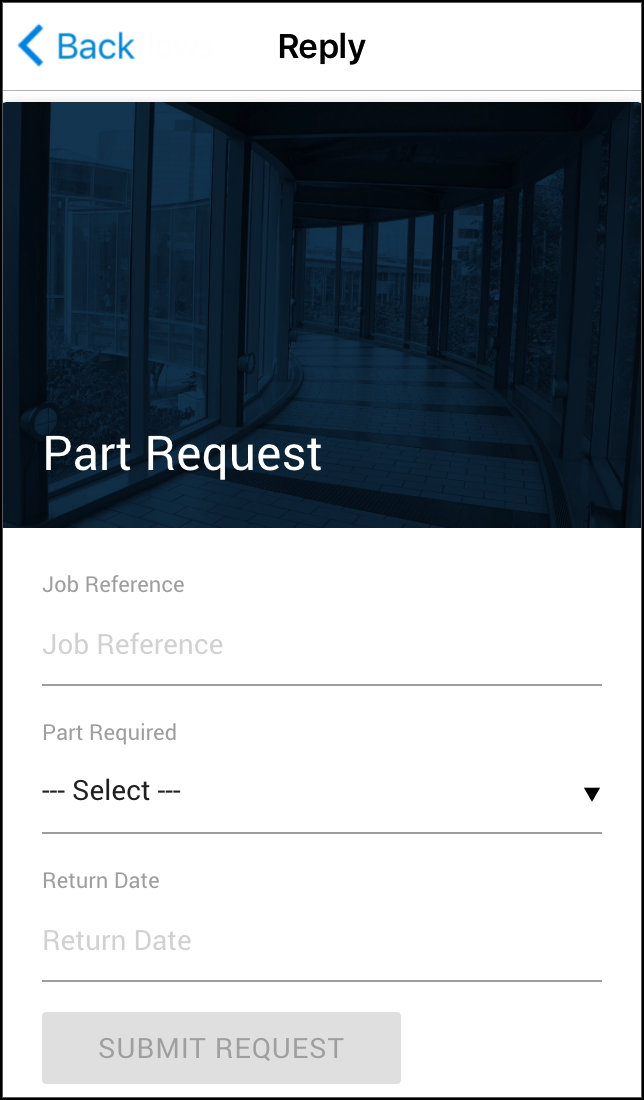
Workflow Messages allows you to fill in forms and use buttons to respond to messages in GAMMA. Receiving and responding to Workflow Messages is as simple as using a website form.
When you receive a Workflow Message in GAMMA, it will be displayed in the 'Recents' tab as a conversation thread along with other messages.The workflows in the thread display an icon with a summary description. The workflow messages that are yet to be responded are marked with a red exclamation sign.
You would also notice an exclamation sign on the top menu bar. Tapping the top exclamation sign will filter the workflow messages that need your attention. A quick and easy way to check the interactive message that are yet to be responded.
|
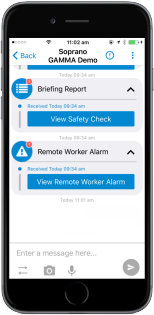
Tap the message to open the content. The message will be displayed as full screen.
You can then tap the fields and either enter text, select checkboxes or radio buttons, add images or choose from the drop-down options as required. Once you have completed filling out the form, press submit. If the Workflow Message has buttons for the response options, tap the button that corresponds with your intended response. GAMMA will then collate all of the required information from your response and send it back to the sender of the form. |