|
<< Click to Display Table of Contents >> Understanding Message Status |
  
|
|
<< Click to Display Table of Contents >> Understanding Message Status |
|
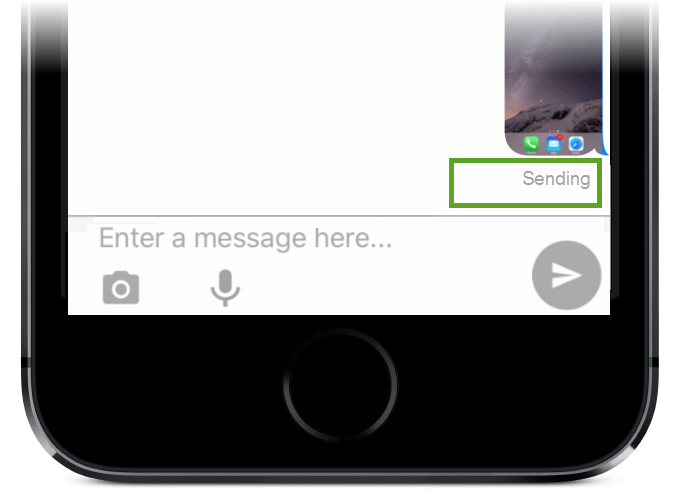
You can easily track the delivery progress of a GAMMA message by looking at the on-screen status text after you press Send. The status text appears immediately below the message.
Sending |
|
Immediately after launching a message, the status changes to Sending, meaning the message is on its way from originating device toward the GAMMA platform. |
|
Sent |
|
When the message reaches the GAMMA platform, the status changes to Sent. This means it has left the originating device and is ready to be delivered from the GAMMA platform to the receiving device. |
|
Delivered |
|
When the message reaches the destination device, and the receiver opens GAMMA, the status changes to Delivered. This means the message has reached the destination and is visible in the destination GAMMA app. |
|
|
|
Read |
|
When the receiver opens the message in their GAMMA mobile app, the status on the originating device changes to Read. |
|
|
|
Failed |
|
If connectivity is interrupted while a message is being sent, a status of Failed will appear in red underneath the message. A resend icon |