|
<< Click to Display Table of Contents >> Advanced Emailer - Create a New Form - New Standalone Form |
  
|
|
<< Click to Display Table of Contents >> Advanced Emailer - Create a New Form - New Standalone Form |
|

A Standalone Form can push a contact into a segment, but not into a campaign directly. The advantage to this form type is that Users can perform actions at the time of submission. An example of this would be sending an email to an administrator with the form values included.
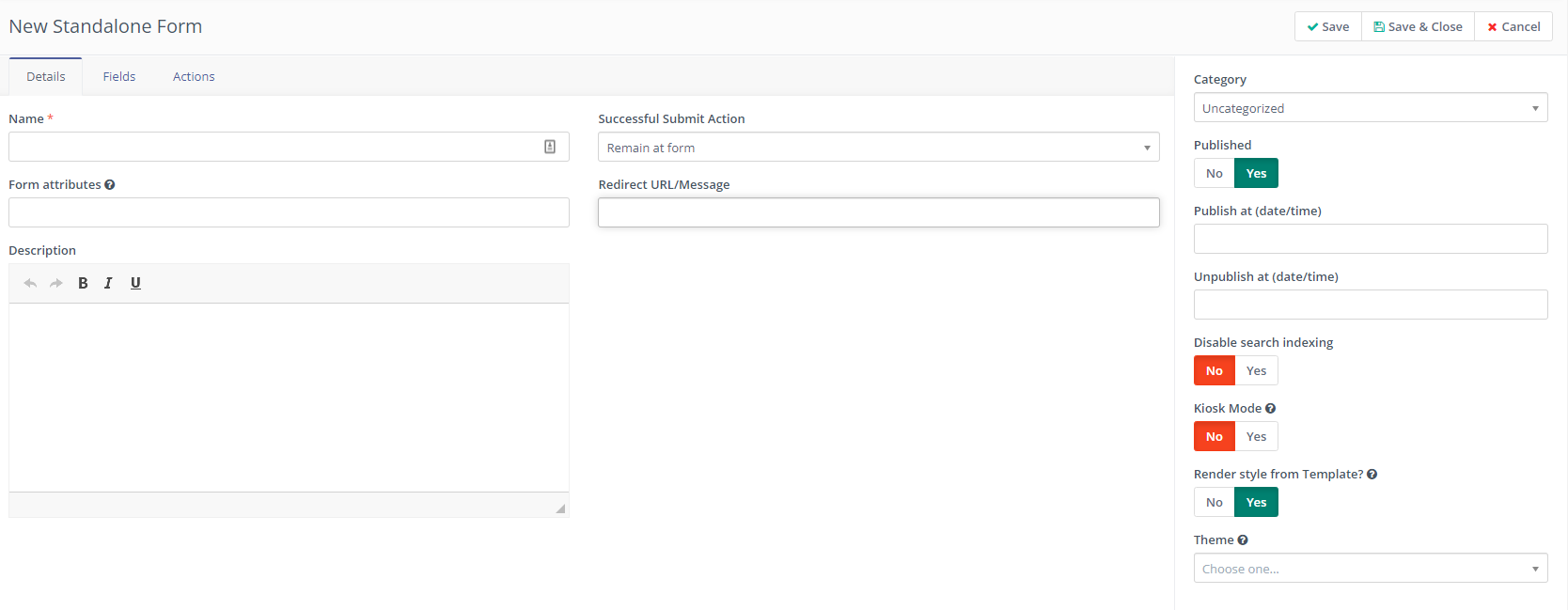
The process of creating a Standalone form is almost the same as in New Campaign Form. The difference is in the available actions presented. Users are encouraged to go through all the actions presented within Advanced Emailer to find out what works best for their particular scenarios.