|
<< Click to Display Table of Contents >> WhatsApp - Order Summary - Home |
  
|
|
<< Click to Display Table of Contents >> WhatsApp - Order Summary - Home |
|

Use the  icon to expand or collapse the search filters.
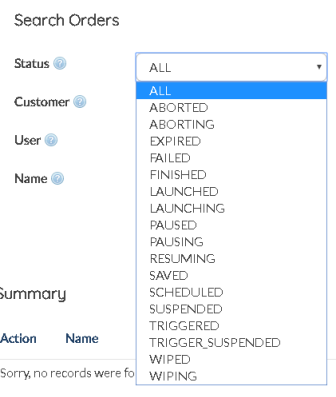
Status |
Search for WhatsApp order based on the status of the order. |
Customer |
WhatsApp orders can also be filtered based on the target customer |
User |
Multiple users creating WhatsApp Orders, translated to filter the orders based on the User who created the Order |
Name |
Enter an of the custom WhatsApp order names used to create the order |
Date Scope |
Search for Orders by their Start or End time |
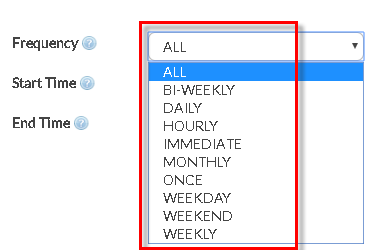
Frequency |
Users can separate the orders based on the their publishing frequencies |
Start/End Date |
Filter out orders based on the start/end date |
Start/End Time |
Filter out orders based on the start/end time |
After choosing all appropriate filters, hit  .
.
|
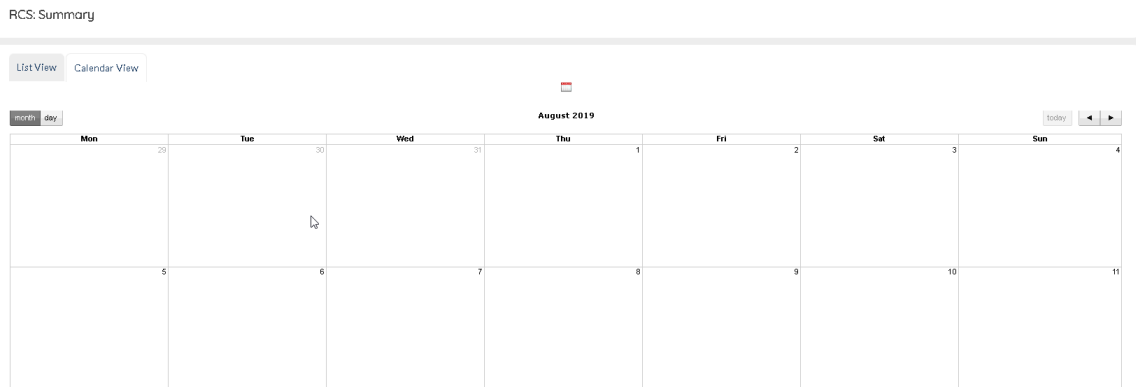
Orders can also be viewed in a Calender View. Toggle between the  view.
view.
Click on the  button to choose the appropriate date range.
WhatsApp - See Scheduled WhatsApp Messages