|
<< Click to Display Table of Contents >> Creating a Segment |
  
|
|
<< Click to Display Table of Contents >> Creating a Segment |
|
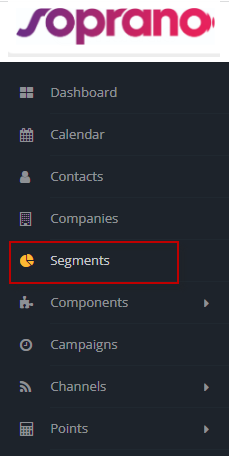
To create a new segment navigate to Segments in the menu, and click on 'New'.
Once here, Users are presented with a screen to enter details to form a Segment.

Name*
|
Provide a custom name for the Segment
|
Alias
|
Enter an appropriate Alias for the Segment
|
Public Name
|
A custom name that gets displayed within Advanced Emailer's Preferences
If left empty Advanced Emailer will automatically choose a name for the Segment
|
Description
|
Enter a short description for the Segment
|
Category
|
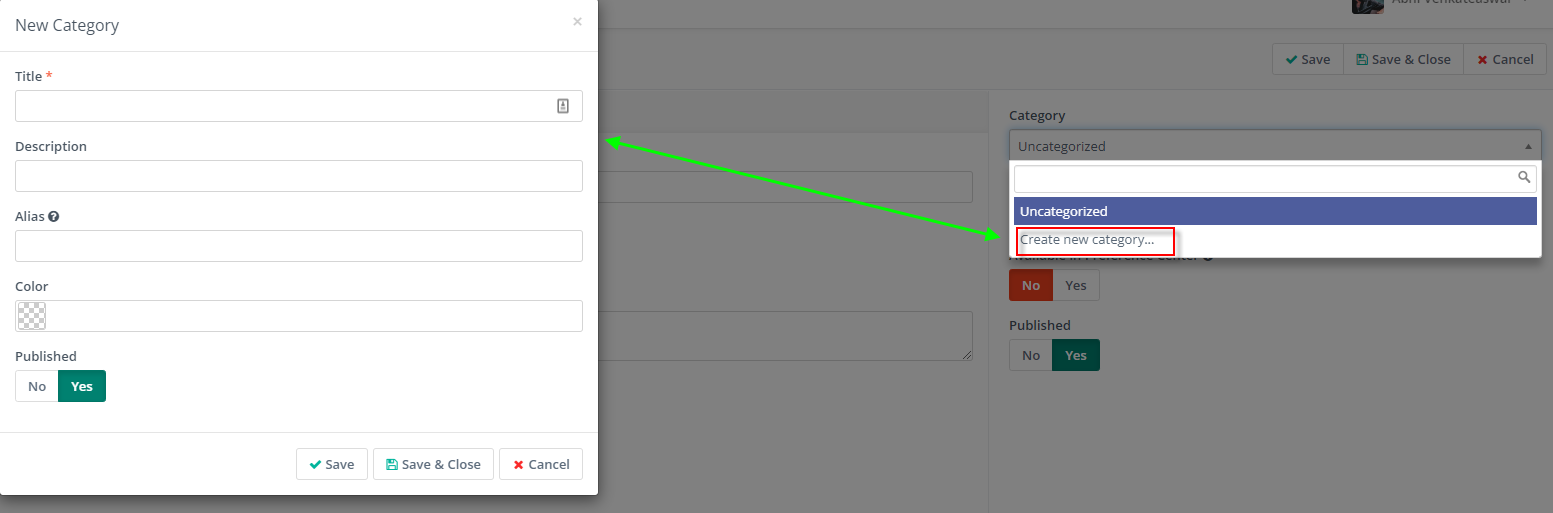
Choose from existing categories created. Or create a new Category here:
|
Public Segment
|
Enabling this option allows Advanced Emailer to access this Segment under Preferences and other sections |
Available in Preference Center
|
Allows this Segment to editable by Contacts within Advanced Emailer |
Published
|
Displays / hides the Segment from view |
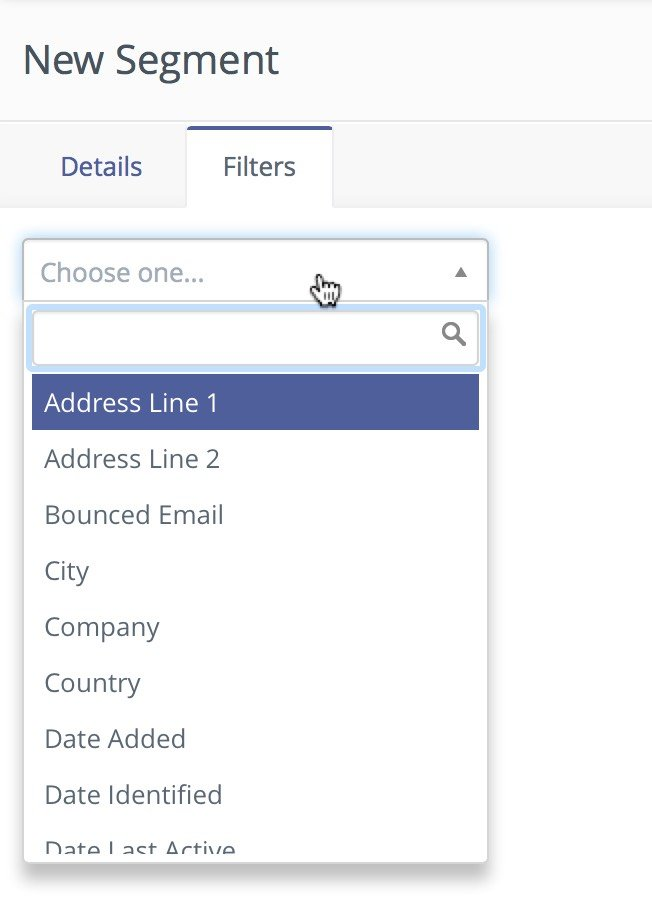
When Segments are being created, Filters are used to define the contacts which Contacts will be in the Segment.
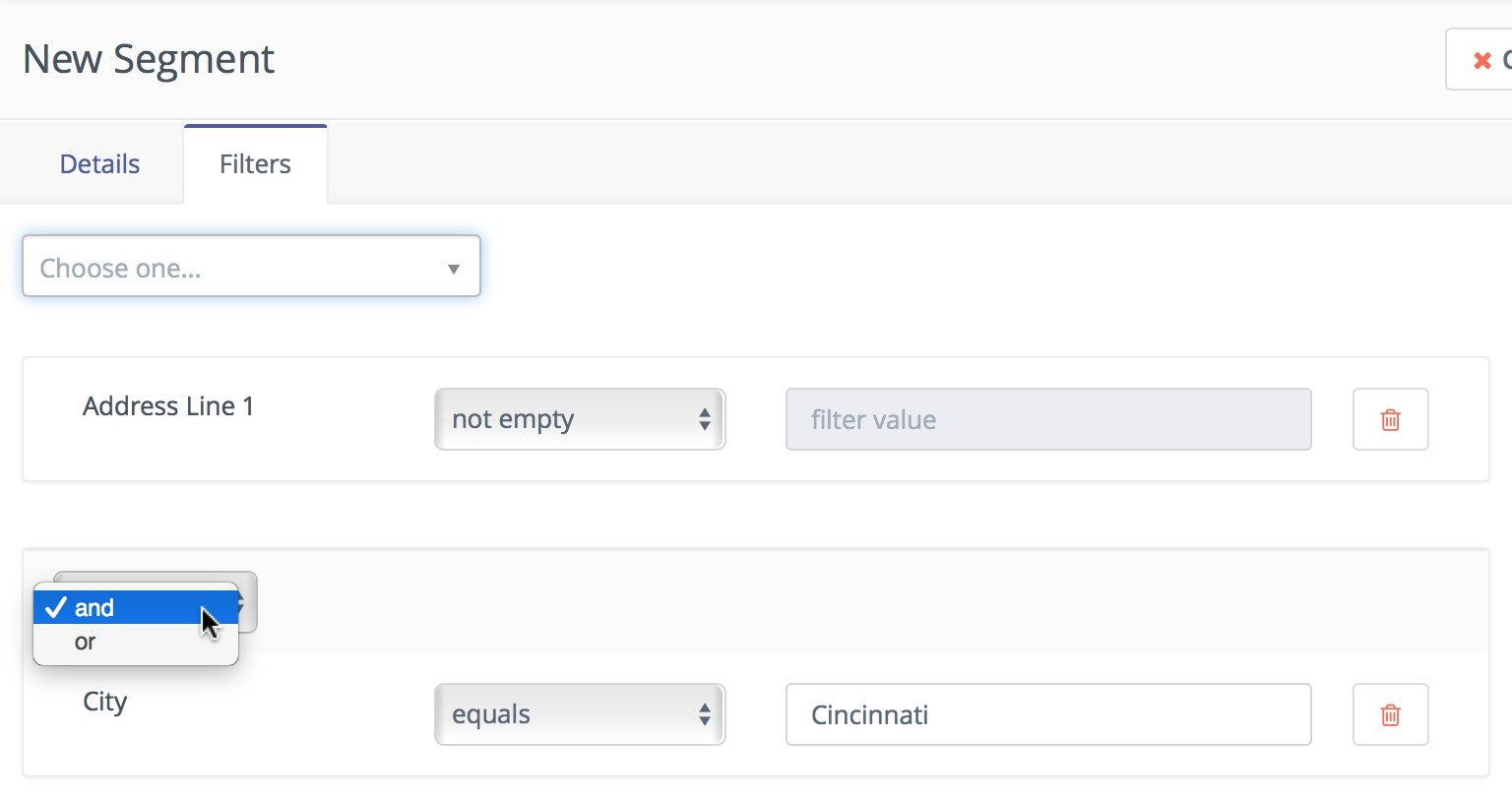
Filters can be combined to either be inclusive or exclusive depending on your needs.
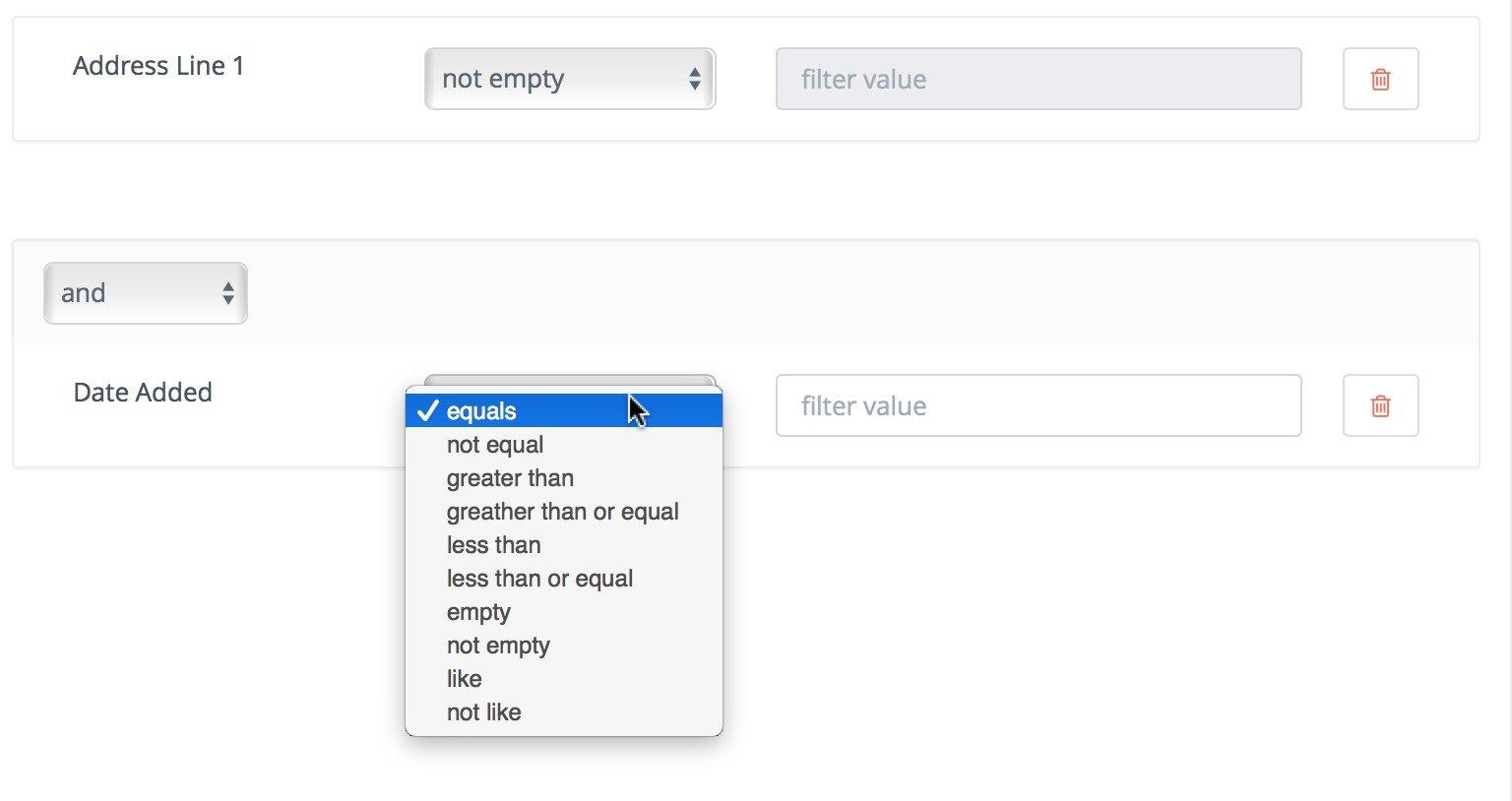
Having selected the field, Users can then choose the type of operation to perform. These vary depending on the way Contacts are to be filtered.
To divide Segments based on certain criterion, to avoid sending duplicate emails to the (sub)segments, Users can view and alter them through typing the alias name of the contact segments separated by '+' only. Add contact segments to show the contacts they have in common, but the result received will always be the intersection of the subsets (sub-segments). The contacts can be manipulated to remove them from either one subset or all, hence avoiding sending duplicate emails to the same leads in the subsets.
Delete All Contacts in a Segment
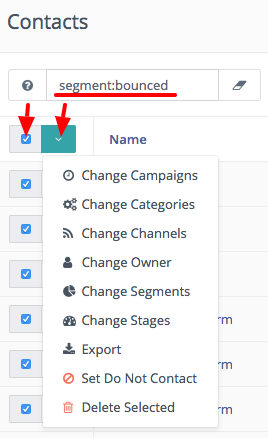
Filter contacts in the segment. The batch delete action in the Contact table allows deletion of up to 100 contacts at one time.
Note: This is a performance precaution since deleting more contacts at one time could cause issues. This feature can be used for hundreds of contacts.
Read more on how to filter out Segments within Advanced Emailer, refer to Manage Segments.