|
<< Click to Display Table of Contents >> Create a Standard Contact |
  
|
|
<< Click to Display Table of Contents >> Create a Standard Contact |
|
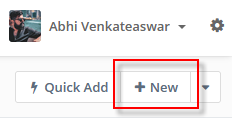
To create a Standard Contact within Advanced Emailer, click on the Contacts menu item from the left and click New towards the right pf the page displayed.
Click on the Contacts menu item on the left and click on the New button on the top right.
Note:
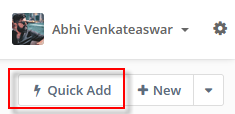
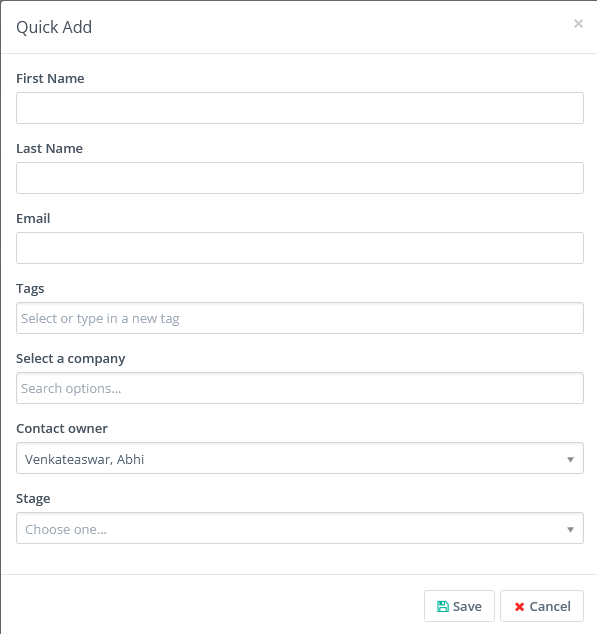
Users can add a quick contact with minimum details via the Quick Add button.
|
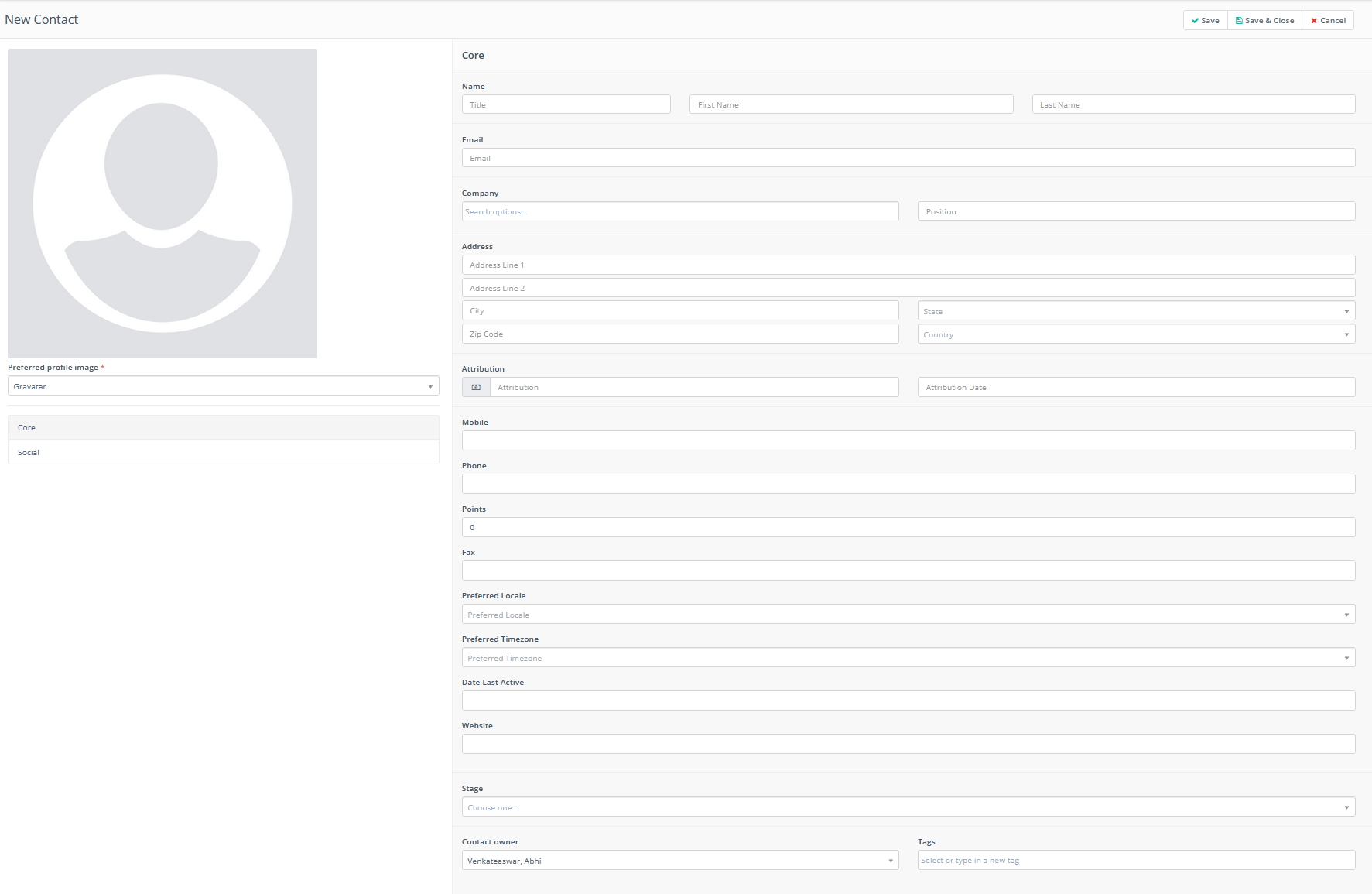
Clicking on the New button brings up a number of fields that Users fill in (as detailed required).
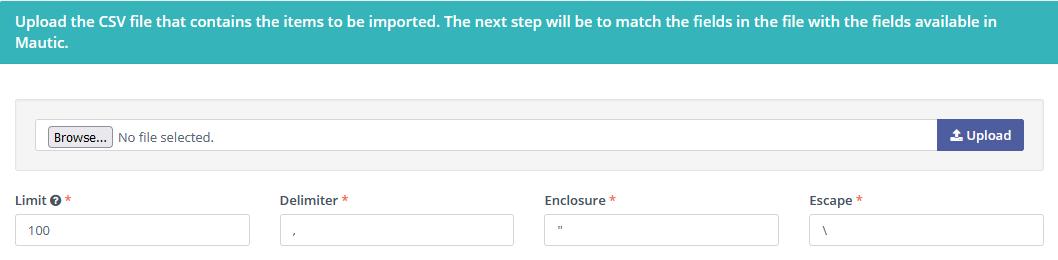
The User is also presented an option to work with external contact files that can be imported into Advanced Emailer.
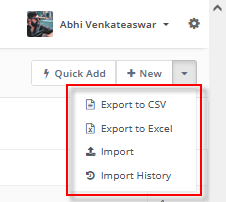
Export the contacts into CSV or Excel formats.
Import contacts into Advanced Emailer.
After creating / importing Contacts into the system, Users can proceed to modify them if required.
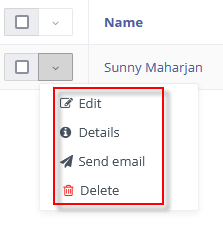
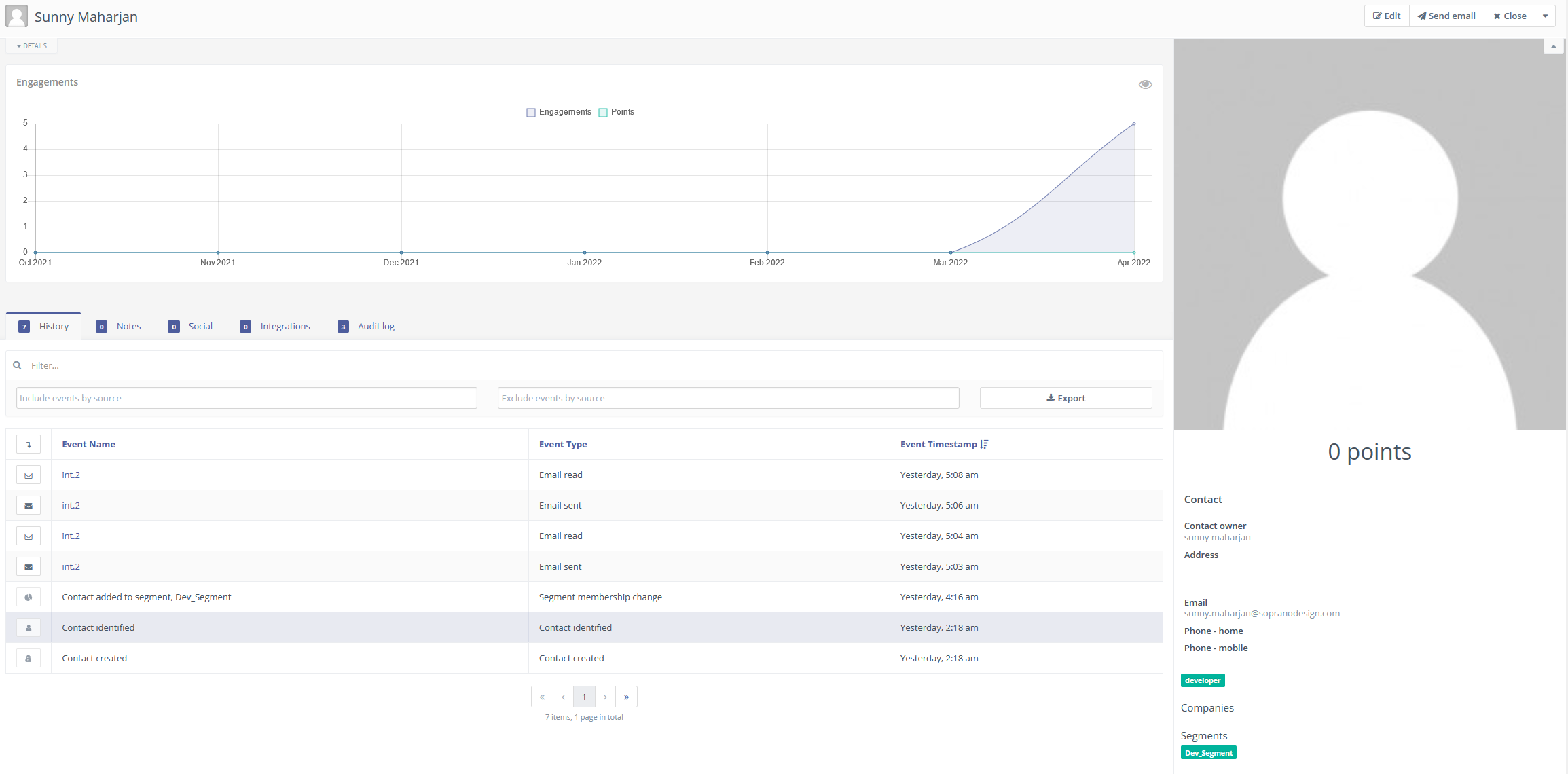
After all the contacts have been created, Users can view individual Contacts with a lot of detail on their activity within the platform along with their information.