|
<< Click to Display Table of Contents >> Advanced Emailer - Contacts |
  
|
|
<< Click to Display Table of Contents >> Advanced Emailer - Contacts |
|
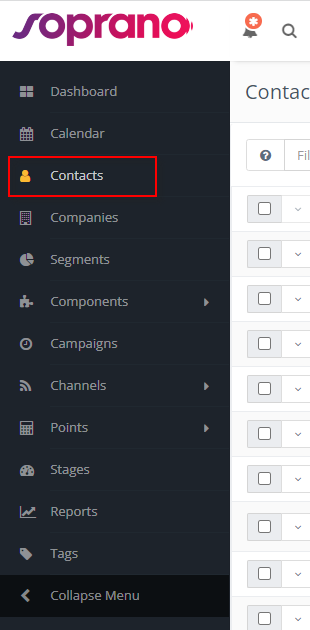
There are two types of contacts:
•Visitors (formerly anonymous leads) — visitors to your site who have not yet been identified by a form or other interaction.
oThese contacts are tracked by Advanced Emailer but typically remain hidden so as not to clutter your segment.
•Standard contacts — contacts which have identified themselves via a form or some other source. As a result, these contacts typically have a name, email, and other identifying fields.
You can view visitors by using the 'table view' (use the "t" keyboard shortcut to view contacts in a table or "c" as cards) within the contacts section.
Visitors
Visitors are worth tracking, because these could translate to be future customers. By tracking them before they have any interactions with the module, Users can retain a log of when they visited the site, which allows Users to get a picture of their activity prior to engaging with the system.
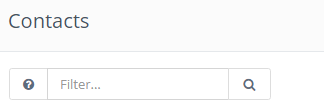
You can use the filter in the Contacts screen to display only visitors by using the following command in the search bar above the contacts list:
is:anonymous
The resulting list will display those IP addresses which have not yet provided identifying information.
Standard Contacts
The second type of contact is a standard - or known - contact. These contacts have identified themselves with the system. Users may also have more information about them from previous interactions, or from a third-party system such as a Customer Relationship Management (CRM) tool. As a result, these contacts typically have a name, email, and other identifying information which can be associated with the contact.
The standard contact is the preferred contact within Advanced Emailer. These are contacts which may have started as a visitor, but at some point provided additional information such as a name, email address, social network handle, or other identifying characteristics enabling Users to view their activity on the website. Users can nurture these contacts through the Advanced Emailer marketing automation platform, learn more about their behavior, and take specific actions as a result of this information.
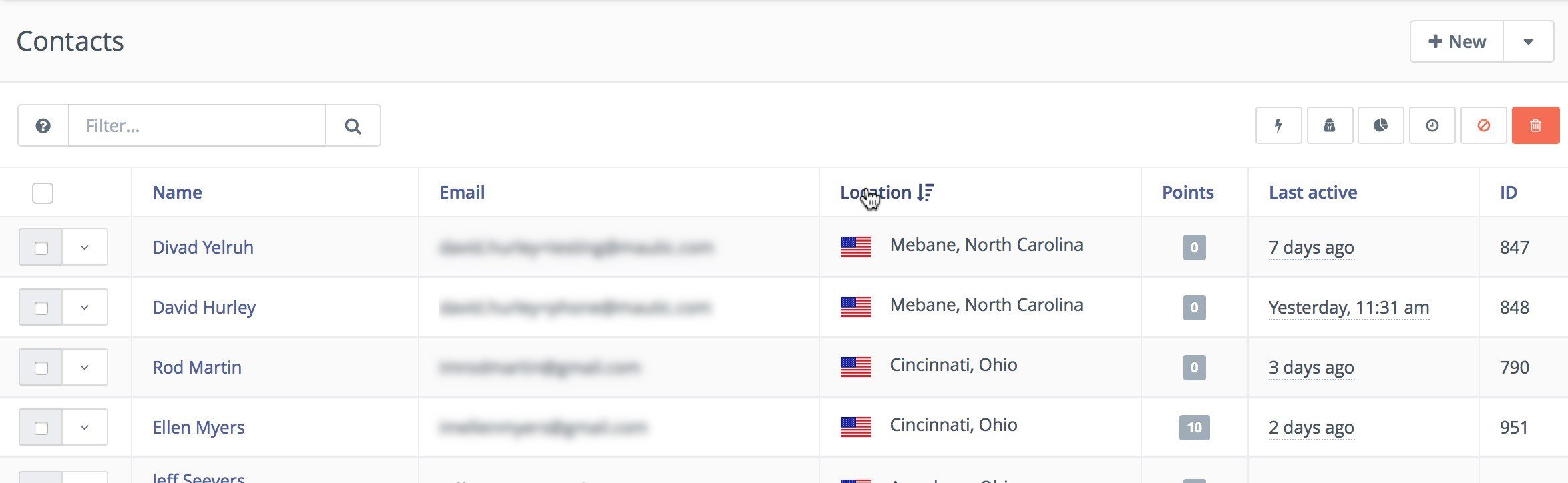
Below is what a typical list of Standard Contacts look like: