|
<< Click to Display Table of Contents >> Templates - Voice Template |
  
|
|
<< Click to Display Table of Contents >> Templates - Voice Template |
|
Overview
The 'Voice Order Template Summary' screen lists all the Voice orders that have been saved as templates.
|
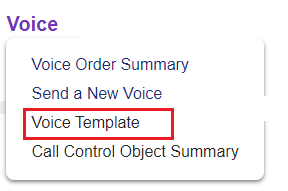
Click the 'Voice Template' link in 'Personal Setup > Templates' to open the 'Voice Order Template Summary' screen.
View or edit your personal Voice templates here. |
Description
You can save any orders you create as templates to be edited and re-used as necessary in future. The following button is available on all 'New' order pages.
|
Summary
Click a template name to view/edit details or select one of the following actions:
|