|
<< Click to Display Table of Contents >> Viber - Order Summary - Filter Results |
  
|
|
<< Click to Display Table of Contents >> Viber - Order Summary - Filter Results |
|
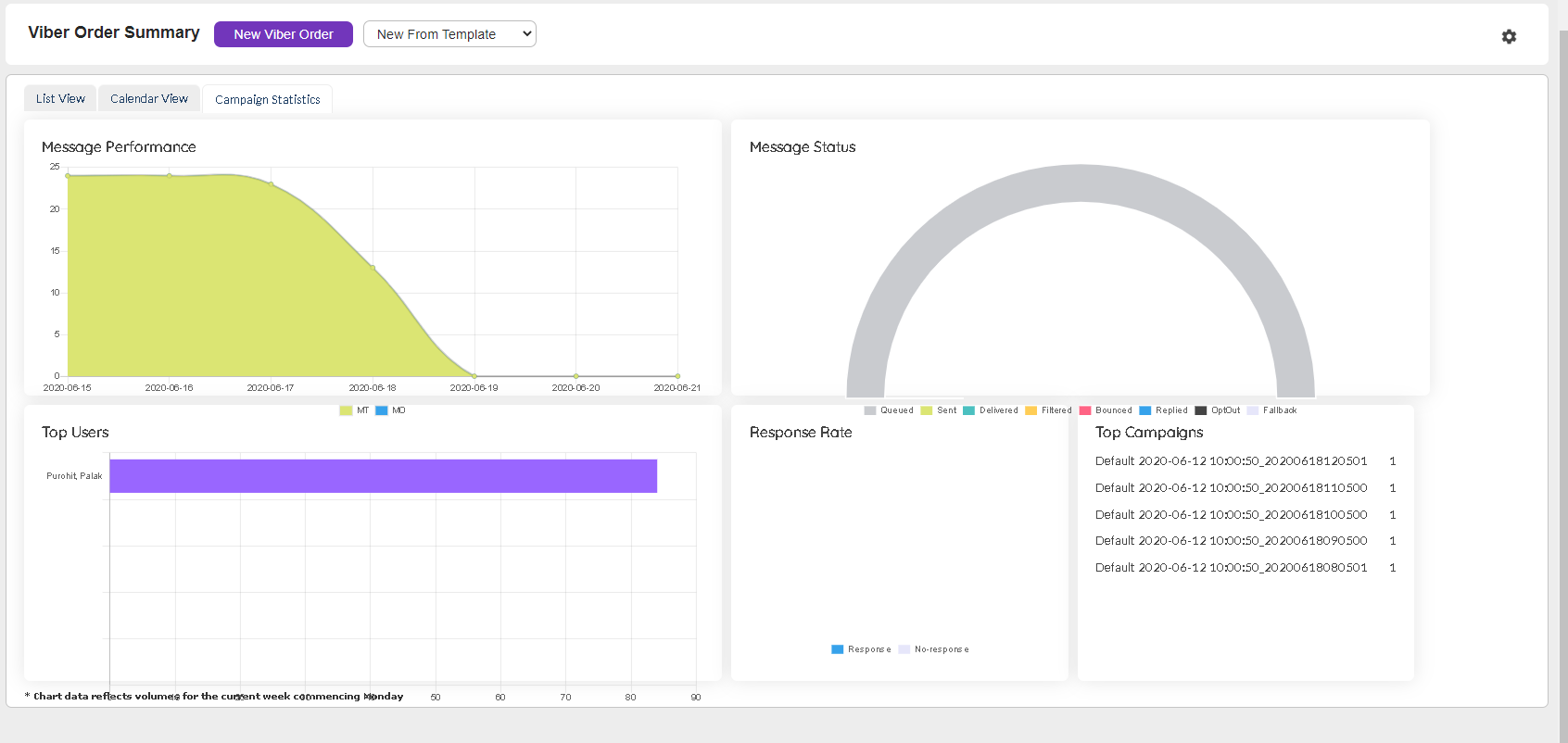
Viber Campaign Statics
Based on the Viber Orders created, they can be seen as visual statistics. This helps Users gauge how the Viber channel is performing in real world scenarios. |
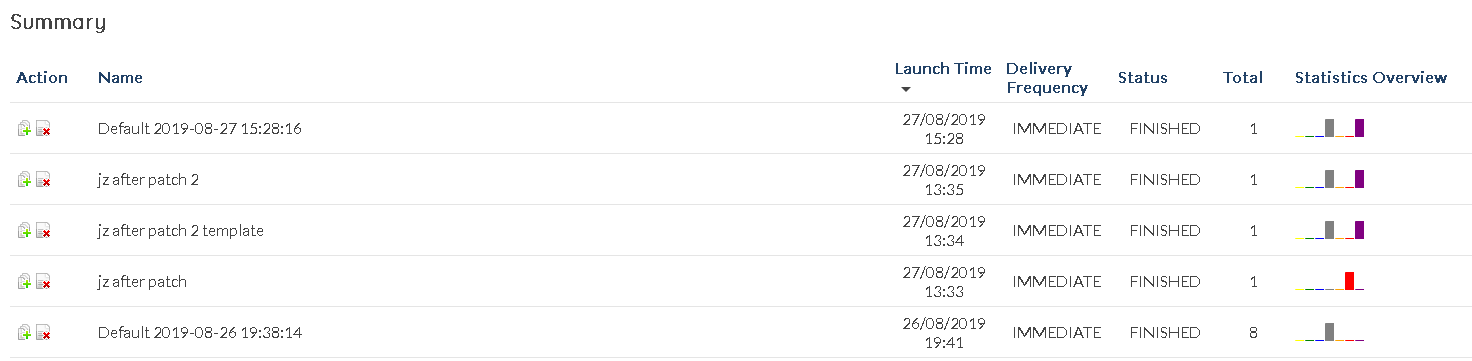
Based on the fields chosen under the filter section the results are displayed as shown below :
|
Clicking on any of the items pulls up a comprehensive summary of that item.
|
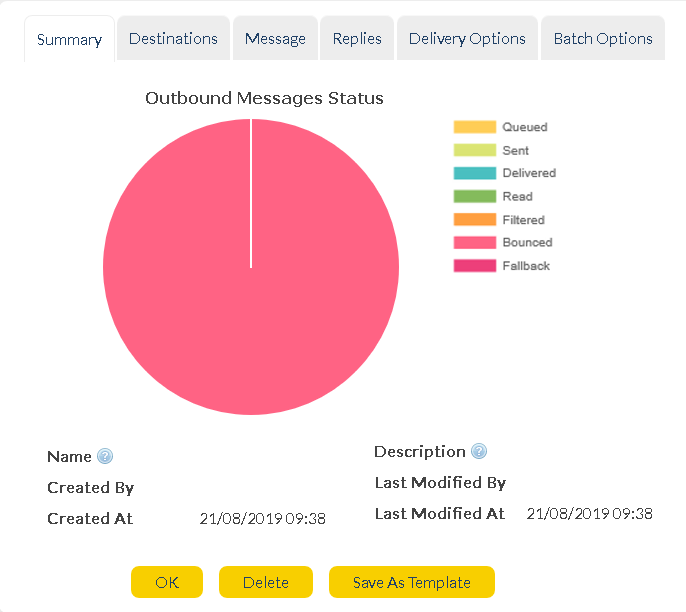
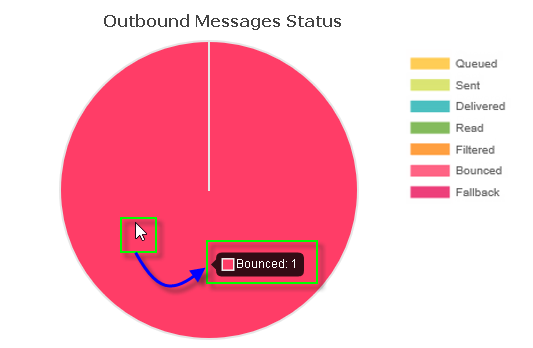
The Summary tab pulls up a graph showing how the messages has done so far. |
|
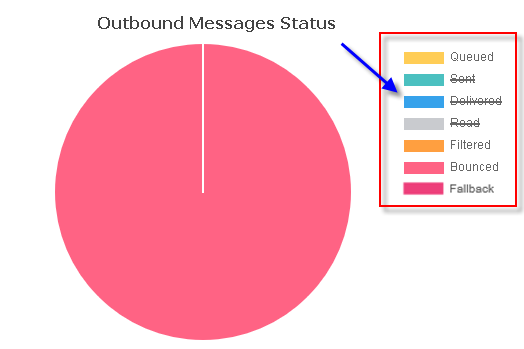
The graph can be altered in it's view by selecting / de-selecting any of the statuses displayed.
Hovering over the graph pulls up the number of messages in that status range. |
|
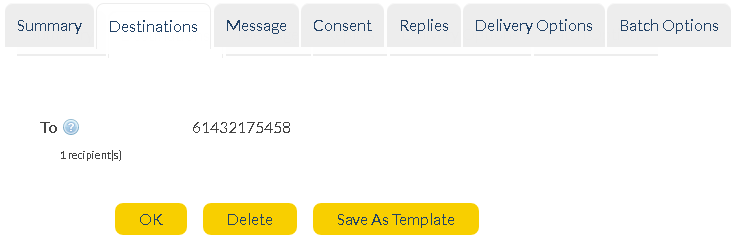
The destinations tab shows the number of and name of the various recipients of the Viber Order. |
|
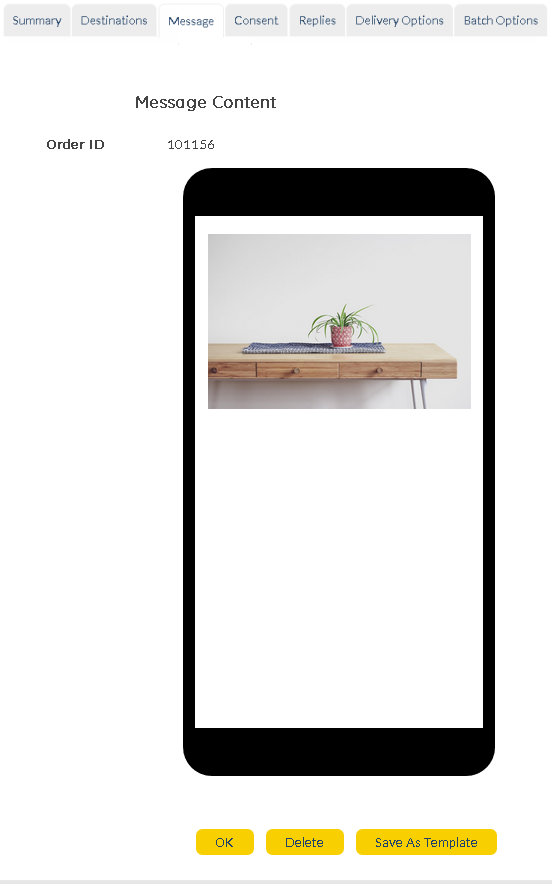
The Message tab allows Users to view the actual order that was sent out. |
|
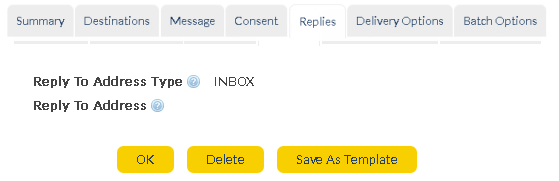
The replies options to which Viber responses are received. |
|
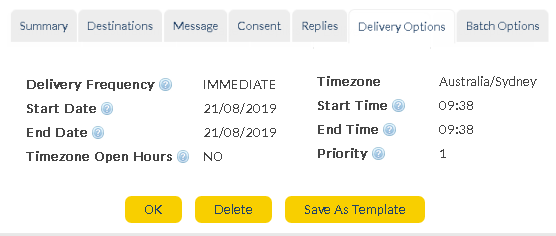
Delivery options displays the rate, date and location of the Viber order deliveries. |
|
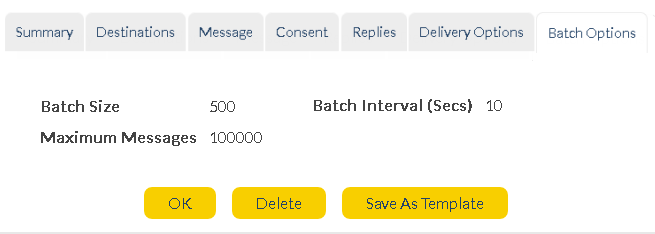
The Batch delivery displays the number of batch messages sent out. |