|
<< Click to Display Table of Contents >> Portal Settings - Users |
  
|
|
<< Click to Display Table of Contents >> Portal Settings - Users |
|
This page in Advanced Emailer is dedicated to consolidate the list of all Users within the portal.
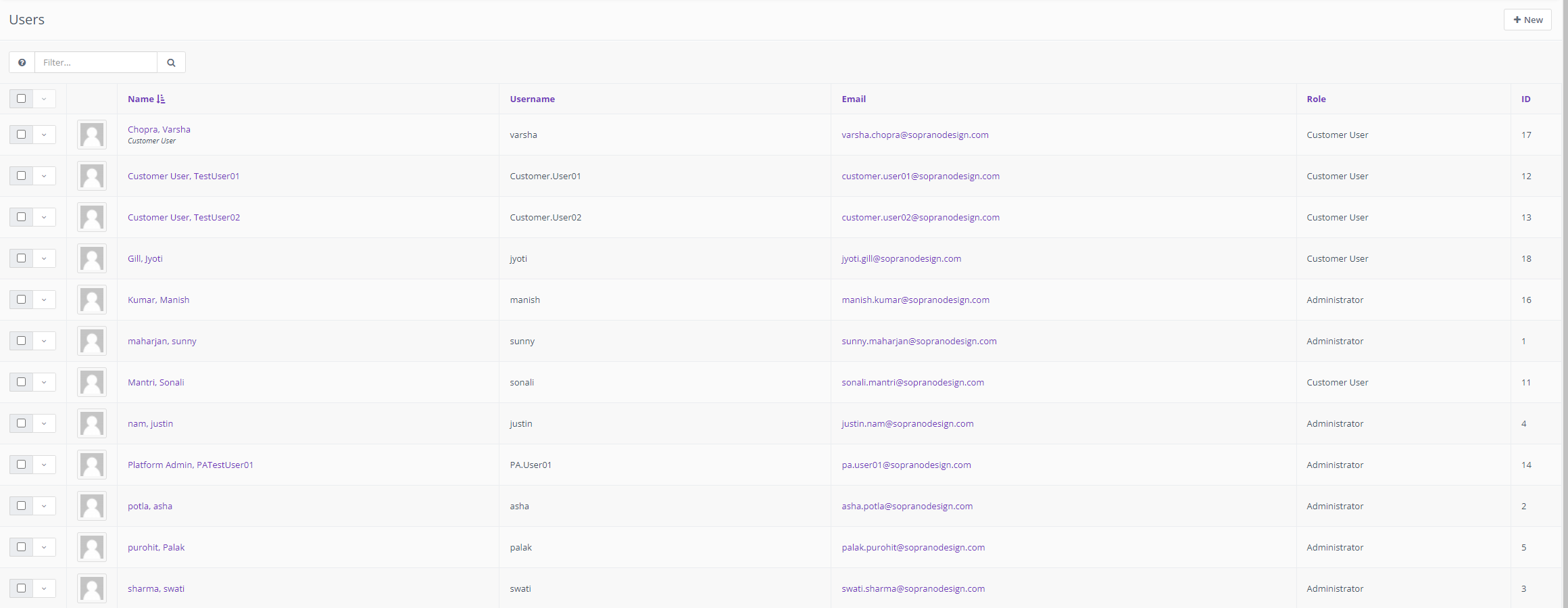
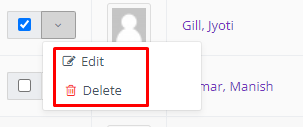
Each user has an action button to delete or edit.
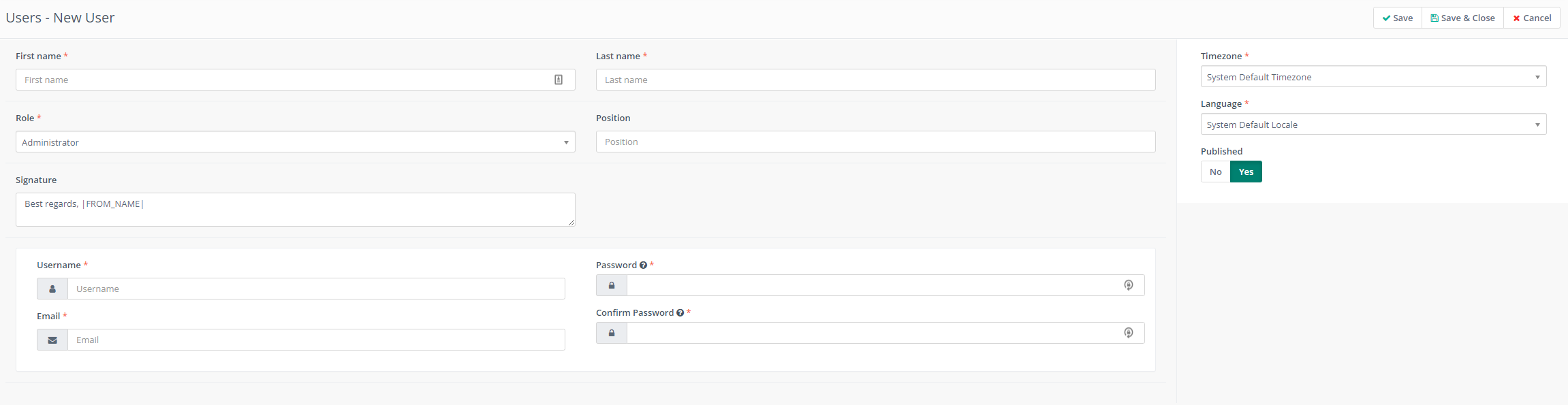
Create New User
Create a new User by filling in the information in the fields as displayed below.