|
<< Click to Display Table of Contents >> Portal Settings - Categories |
  
|
|
<< Click to Display Table of Contents >> Portal Settings - Categories |
|
Categories are a way to organize Advanced Emailer elements. They are available for assets, campaigns, emails, focus items, forms, pages, points, social monitoring and stages.
There are two ways to use categories:
• Create element-specific categories (For Example ; only for assets, emails or forms)
• Create global categories for all Advanced Emailer elements
Creating/Managing Categories
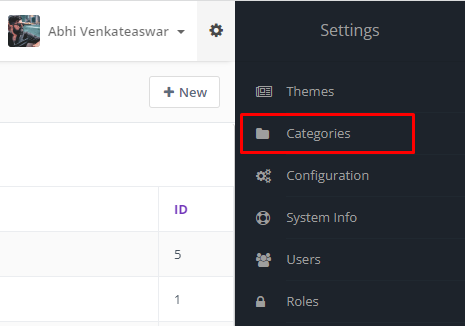
To create new categories, go to settings menu in the top right corner of Advanced Emailer. There choose categories.
Click on the  button and add details to create a new Category.
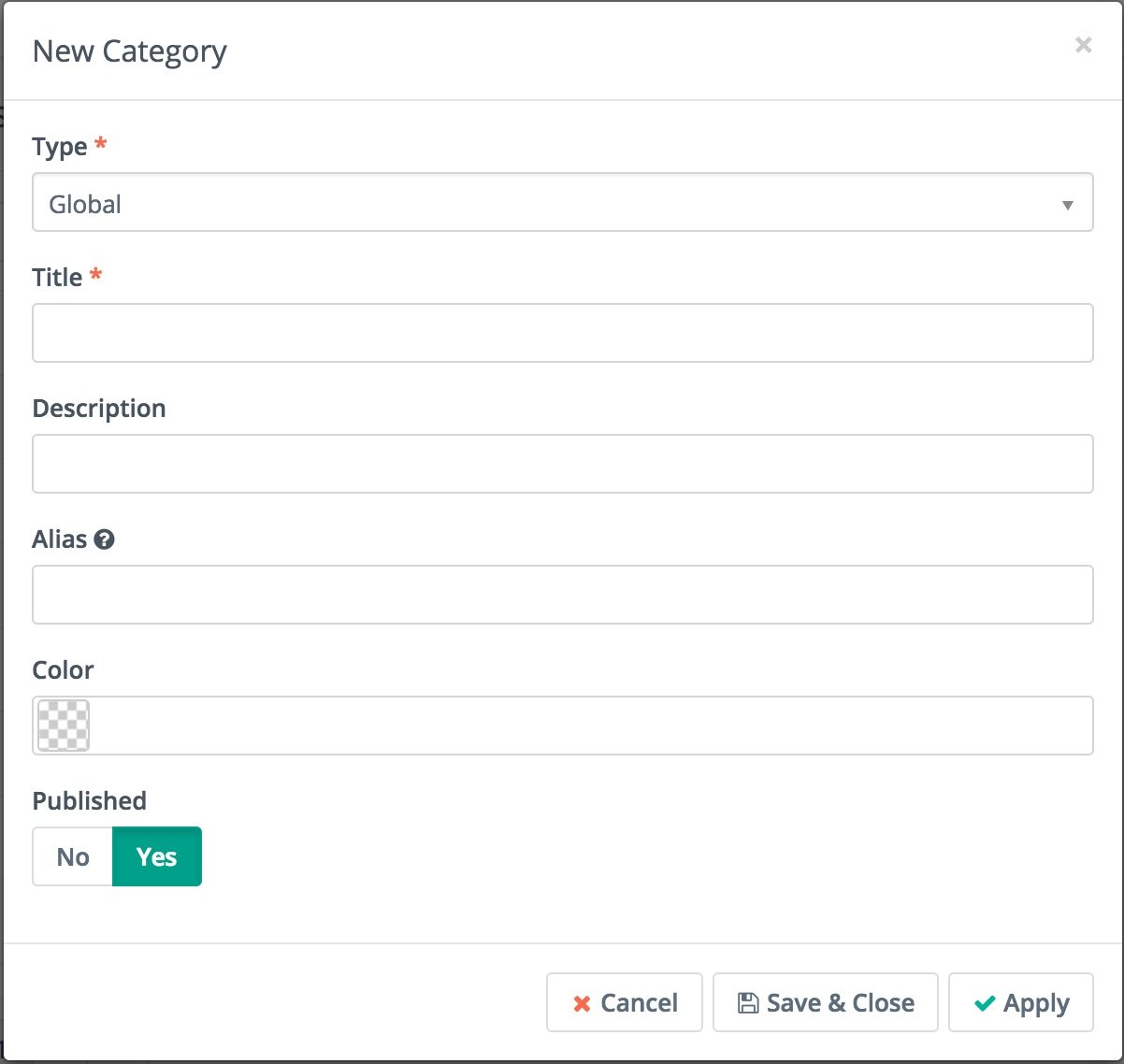
When creating a new category Users can select type, title, description, alias, color and published status. The color will be helpful to quickly find Advanced Emailer elements according to their appropriate category when viewing things like the calendar or other areas within Advanced Emailer.
Using Categories for Contacts
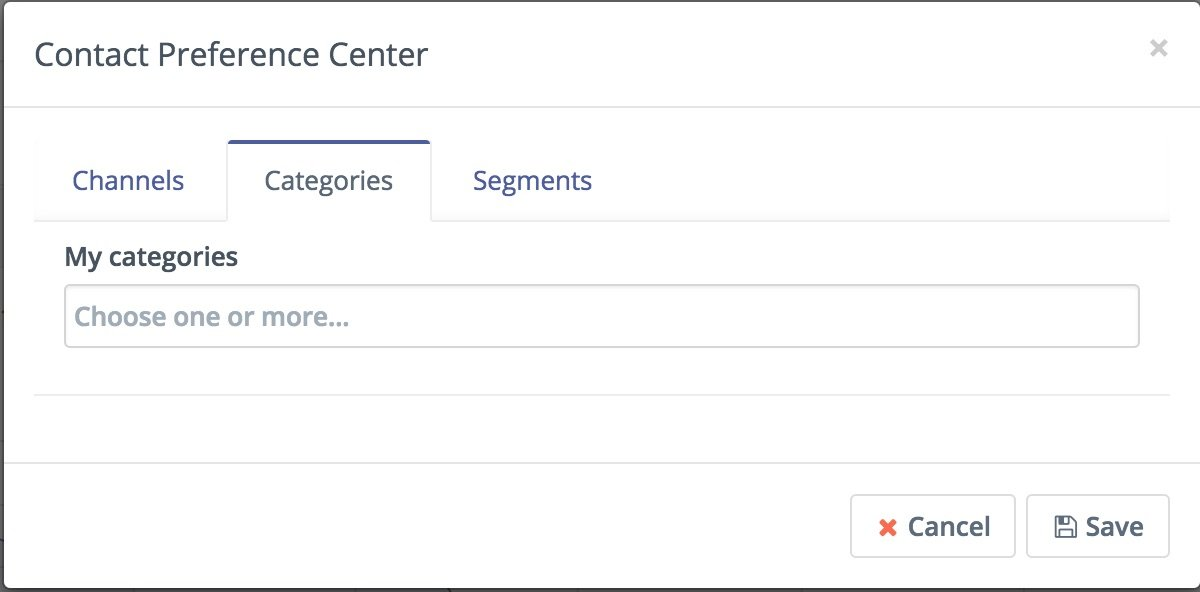
In addition to organizing various Advanced Emailer elements categories can be used to organize contacts. In contact details, use the Preference menu to open Contact Preference Center.