|
<< Click to Display Table of Contents >> Advanced Emailer - Performance Analysis - Stages |
  
|
|
<< Click to Display Table of Contents >> Advanced Emailer - Performance Analysis - Stages |
|
Stages is a way to define the lifecycle of a contact. Create stages based on User's marketing stages, and move the contacts from stage to stage.
Creating/Managing a Stage
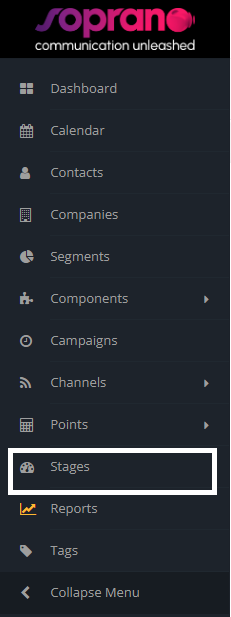
To create a new stage, navigate to the stages menu item (identified by a tachometer). Click on the  button and fill in with you relevant data.
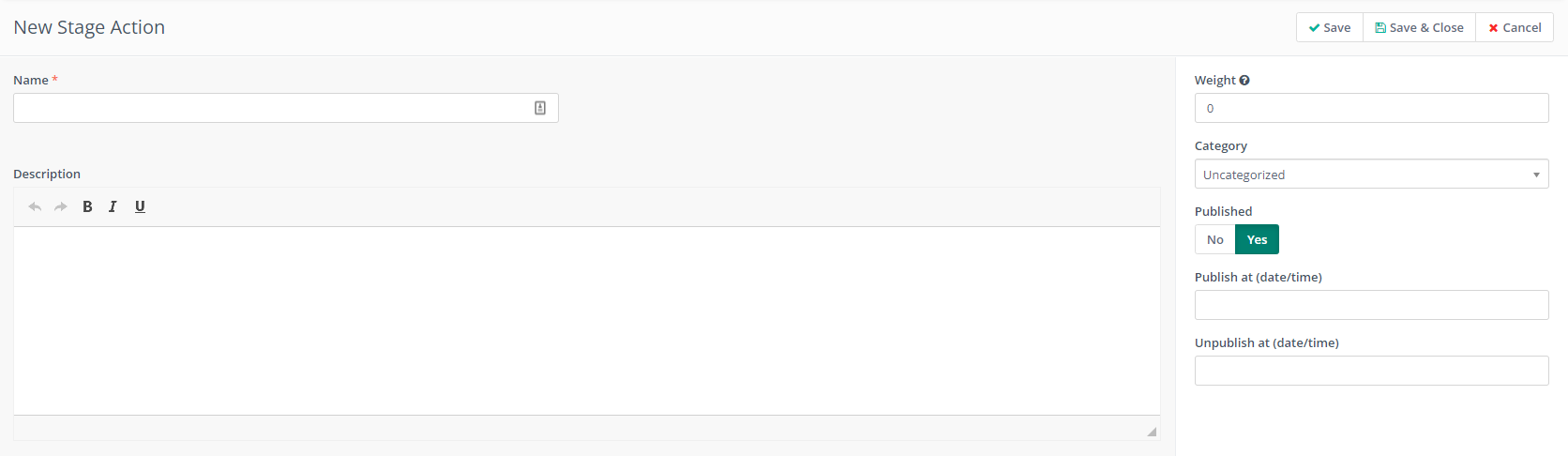
Notice that Advanced Emailer uses 'weight' for stages. This is a way to balance a contact's stages. When moving contacts from stage to stage, this will make sure a contact does not go back to it's previous stages.
Moving Contact's from stage to stage
Use a campaign to move contacts from stage to stage. When creating a campaign choose a Move Contact to Stage action. So if a contact has been sent an email, or has opened an email, Users can select to change the contact's stage based on any campaign criteria.
Note:
It is not possible to move a contact to a stage which has a lesser weight than their current stage. For example; if they are currently in Stage B which has a weight of 50, Users cannot move them to Stage A which has a weight of 25.
Contact's Lifecycle
Create a lifecycle widget in your dashboard based on segments, to also view what stages contacts are in.
