|
<< Click to Display Table of Contents >> Tooltips |
  
|
|
<< Click to Display Table of Contents >> Tooltips |
|
'Tooltip' help icons (  ) are located throughout SOPRANO MEMS, and serve one or both of the following functions:
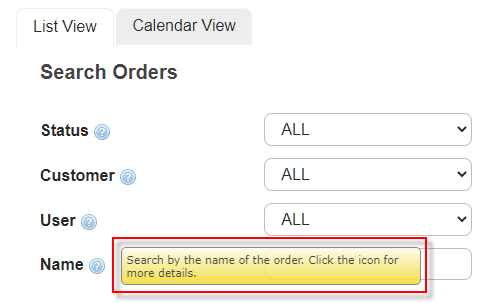
•Hovering the mouse cursor over the icon triggers a pop-up note, containing a brief description of the related function.
|
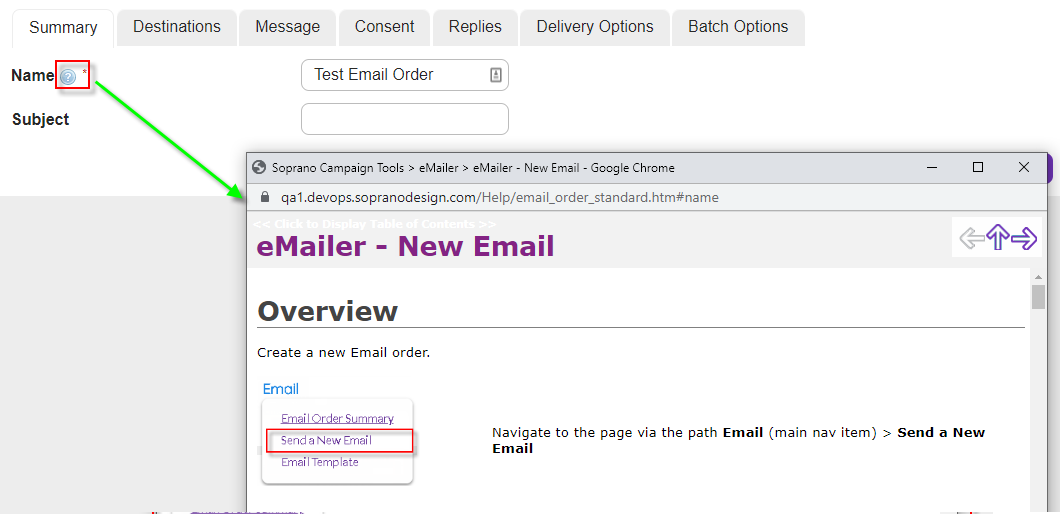
•Where a more in-depth description is available, some tooltips will open a new window when clicked, containing the related Online Help page.
|