|
<< Click to Display Table of Contents >> Groups - Send a Quick SMS to a Group |
  
|
|
<< Click to Display Table of Contents >> Groups - Send a Quick SMS to a Group |
|
There are two ways to send a quick SMS message to a group:
•Click  icon in the 'Action' column of the 'Summary' table in the 'Group Summary' screen.
|
OR
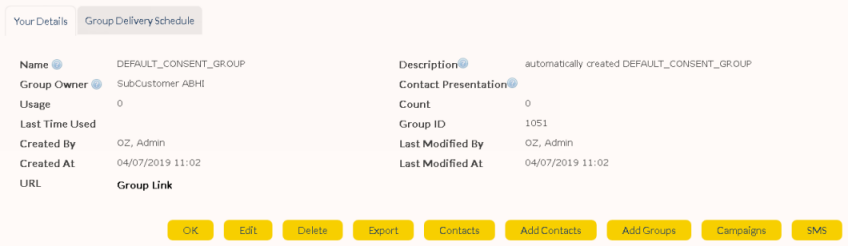
Click on the desired group name in the Group Summary to display its 'Group Details' screen.
•Click  button.
|
|
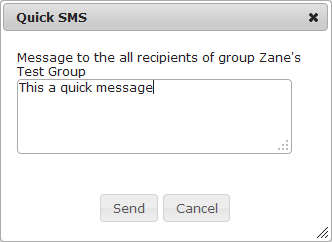
•A pop-up window will appear. Type/paste the message and click 'Send'.
|
|
Note: Replies to 'Quick' SMS messages will be directed according to your Personal SMS Preferences |