|
<< Click to Display Table of Contents >> Manually Add Credits to Message Pack |
  
|
|
<< Click to Display Table of Contents >> Manually Add Credits to Message Pack |
|
The following steps can be used on SOPRANO MEMS to configure a prepaid system, where credits are controlled on the platform.
•Platform Setup > Manage Customers > Licences
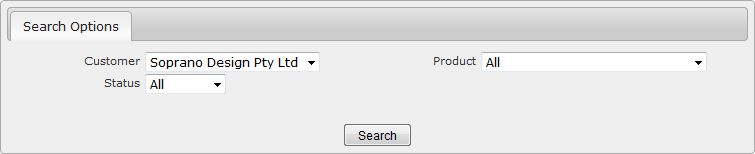
This brings up the 'Licence Summary' screen.
|
Select the Customer that you would like to add credits to.
|
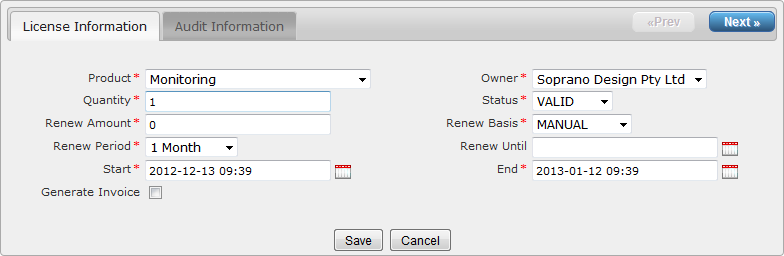
Locate the 'Message Pack' licence and click  .
.
|
|
Step 1: Edit the 'Quantity' - the number of credits you need to add.
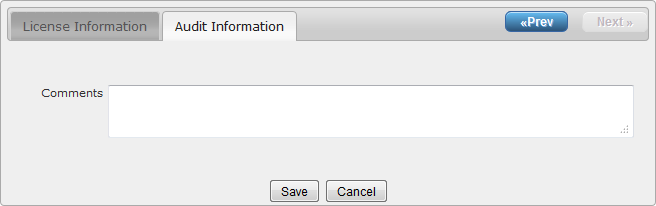
Step 2: Place a comment in the 'Audit Information' field explaining why you are adding the credits.