|
<< Click to Display Table of Contents >> Lists - List Item Summary |
  
|
|
<< Click to Display Table of Contents >> Lists - List Item Summary |
|
Overview
View, add and remove items which belong to a list (i.e. mobile numbers, email addresses, names). An 'Item' represents everything which is on a single row in a list.
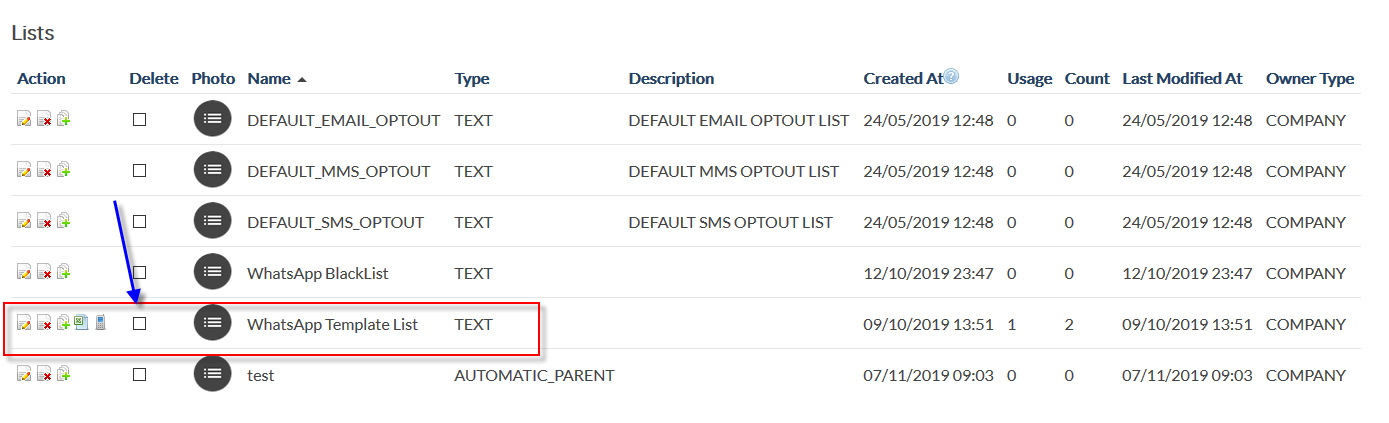
Choose a list by clicking its name in the 'List Summary' screen.
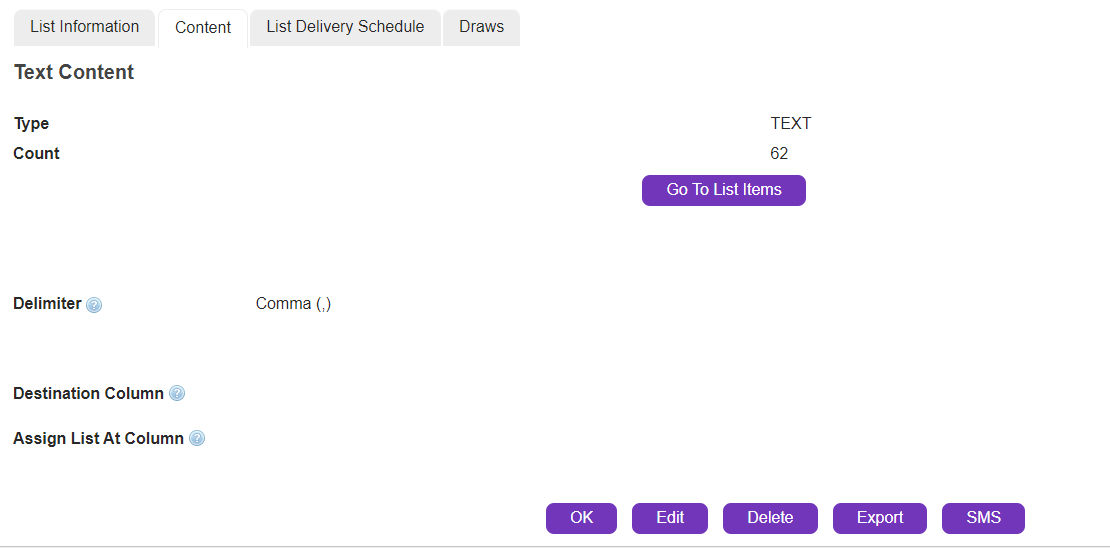
The 'List Details' screen will be displayed. Click  .
.
|
The 'List Item Summary' screen will be displayed.
Description
List Item Summary |
Summary
|
Click a list item name to view details. To delete items, tick the required check boxes or click 'All' check box and then  .
.