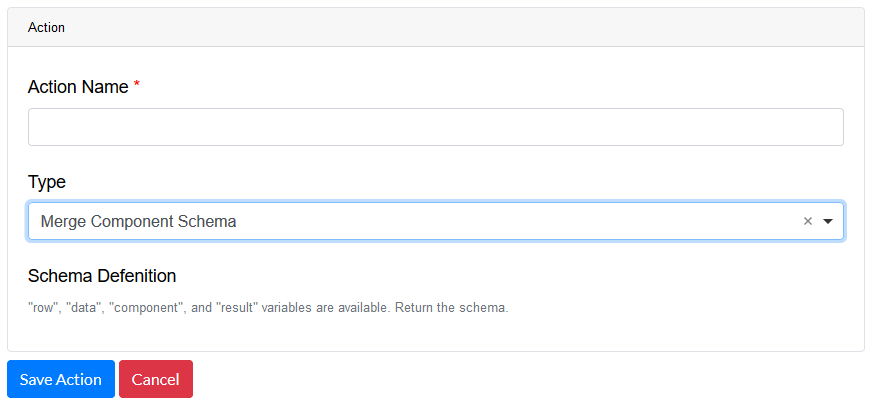
Drag and drop the Link Preview Image Field element into the Mobile Editor, to open up the Link Preview Image form.
Click the topics to expand
Display Tab
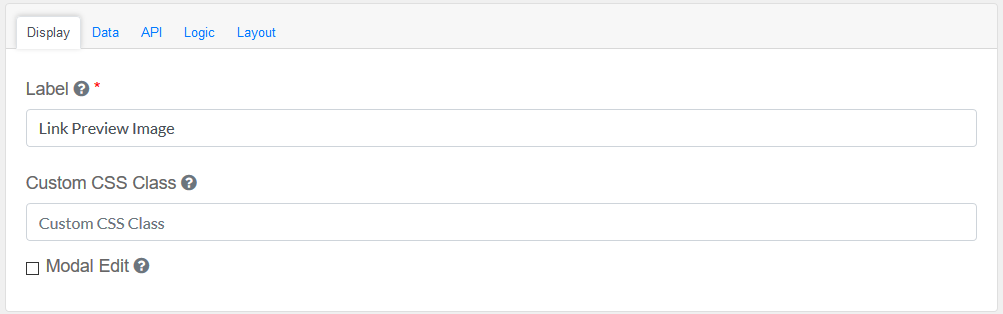
Label
|
Title of the Link Preview Image Field
|
Custom CSS Class
|
Add a custom CSS class
|
Modal Edit
|
Opens up a modal to edit the value of this component.
|
|
Data Tab
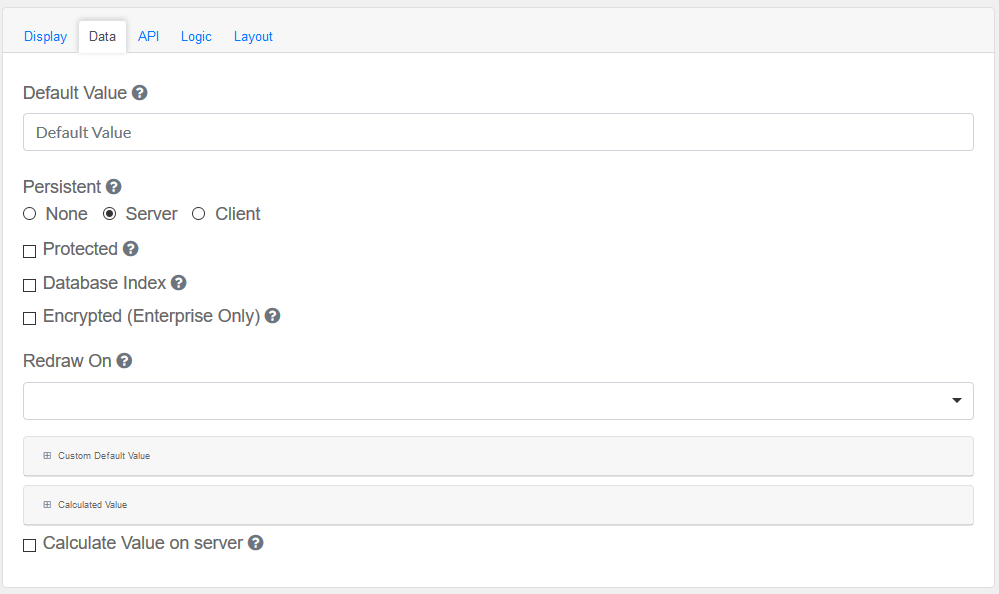
Configure the date and its properties.
Default Value
|
This will be the value for this field, before user interaction. Having a default value will override the placeholder text.
|
Persistent
|
A persistent field will be stored in database when the form is submitted.
Choose None, Server or Client.
|
Protected
|
A protected field will not be returned when queried via API.
|
Database Index
|
Set this field as an index within the database. Increases performance for submission queries.
|
Encrypted (Enterprise Only)
|
Encrypt this field on the server. This is two way encryption which is not suitable for Link Preview Images.
|
Redraw On
|
Choose Submit
|
Custom Default Value
|
The following variables are available in all scripts.
|
Calculated Value
|
The following variables are available in all scripts.
|
Calculate Value on server
|
Checking this will run the calculation on the server. This is useful if you wish to override the values submitted with the calculations performed on the server.
|
|
API
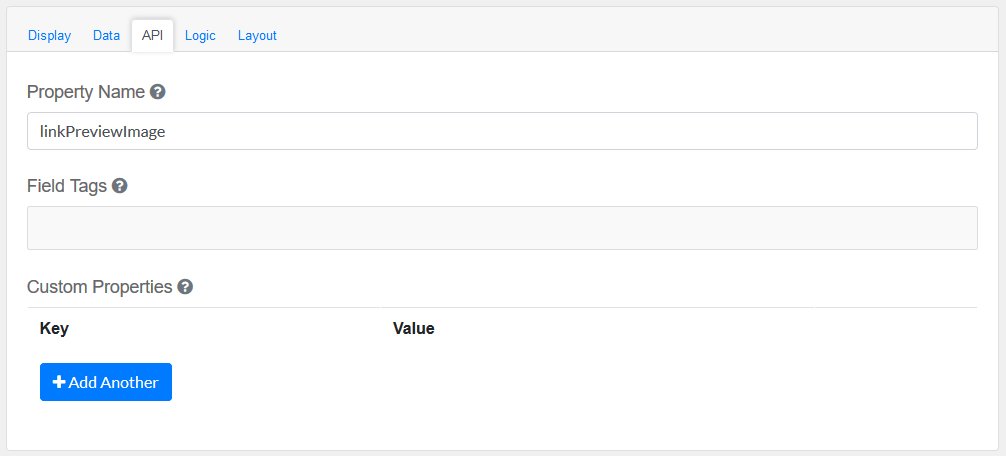
Elements to be included for the API part of the message.
Property Name
|
The name of this field in the API endpoint.
|
Field Tags
|
Tag the field for use in custom logic.
|
Custom properties
|
Users configure any custom properties for this component. Use Add Another button to add more than one key.
|
|
Logic
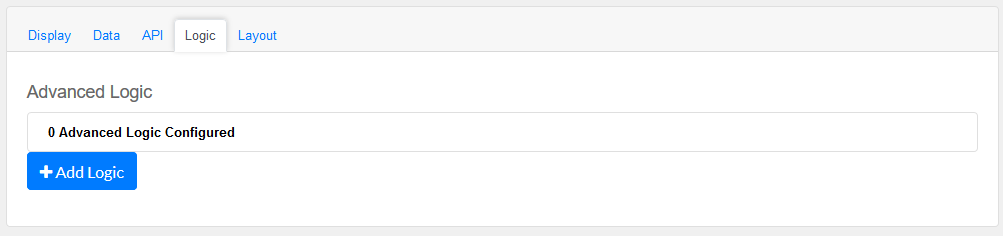
Add certain logical information to the Message.
Start by choosing the Add Logic button.
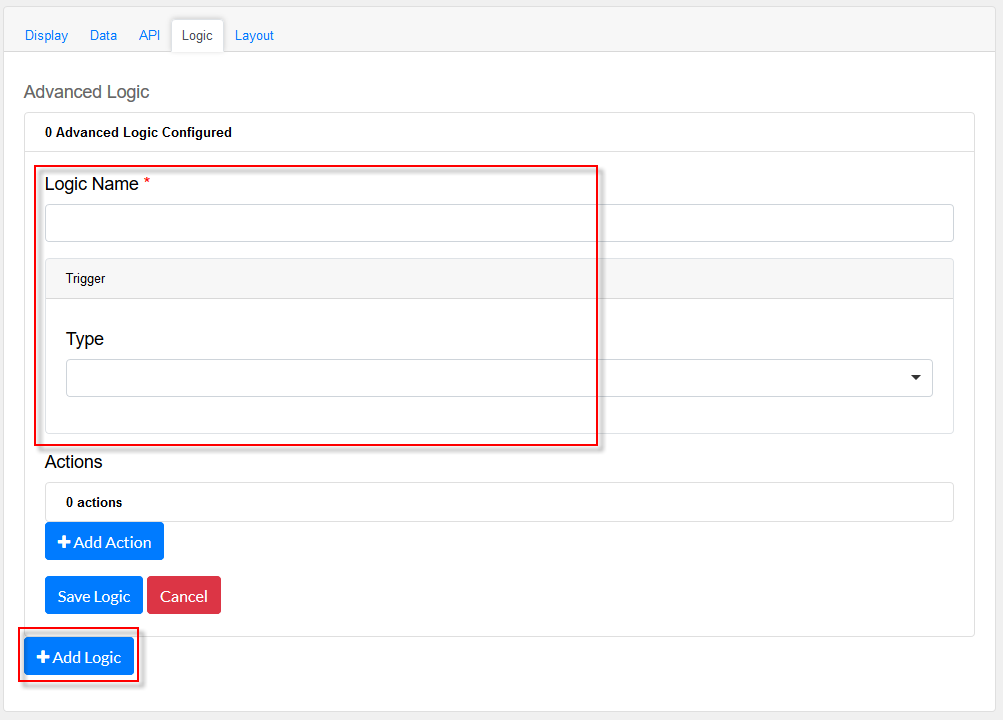
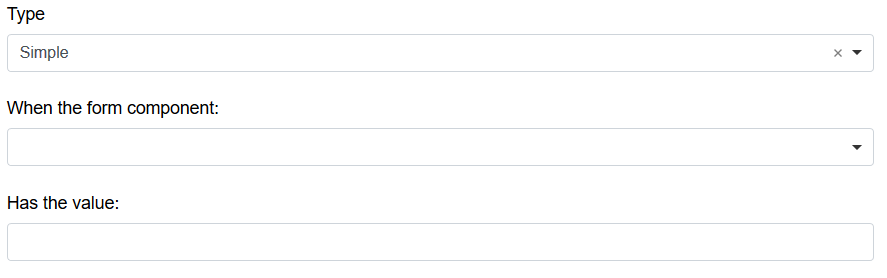
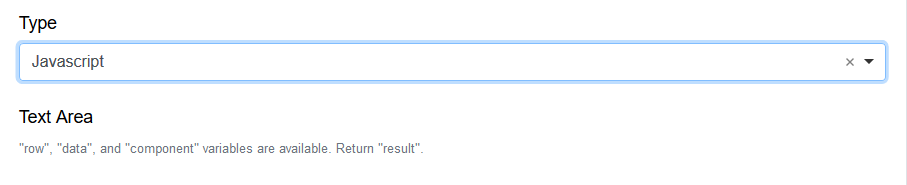
Enter a Logic name, and choose a type namely :
Simple
|
|
Javascript
|
|
JSON Logic
|
|
Event
|
|
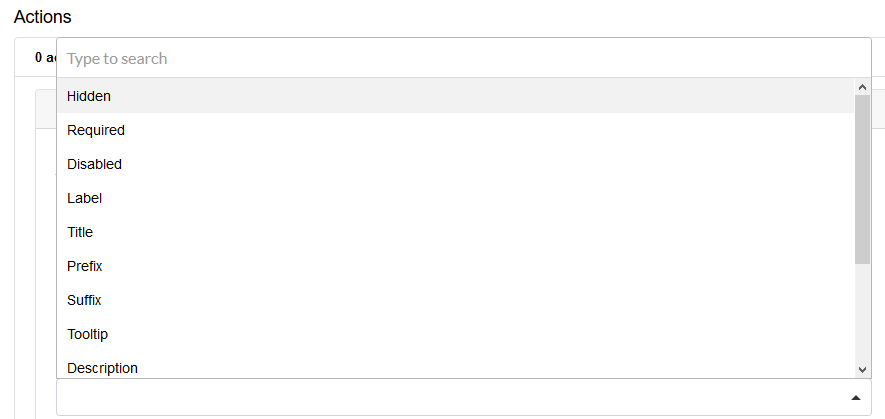
Next, add an Action.
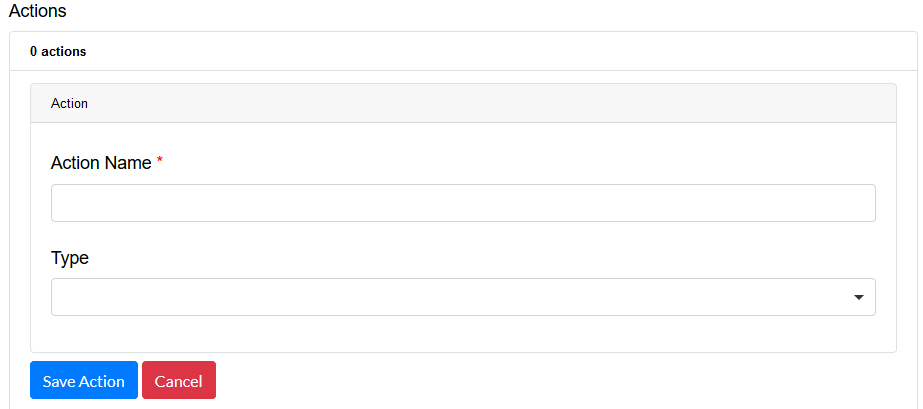
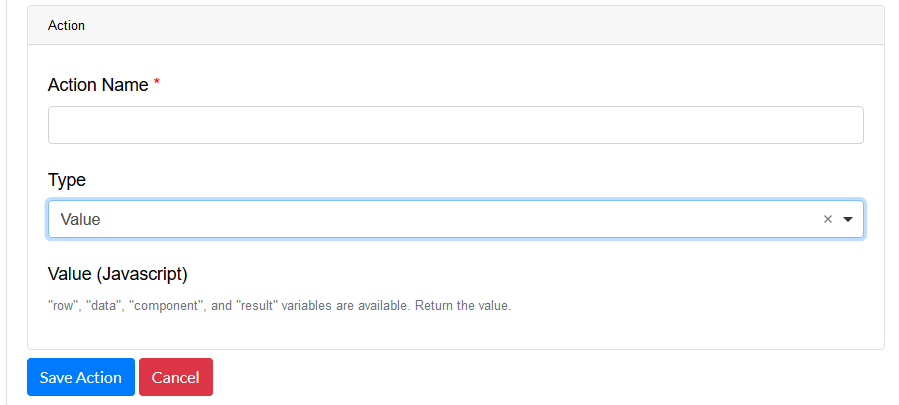
Enter an Action Name and choose a Type.
Property
Choose a a property type
|
|
Value
Choose type Value to use an appropriate Java Script
|
|
Merge Component Schema
|
|
|
Layout
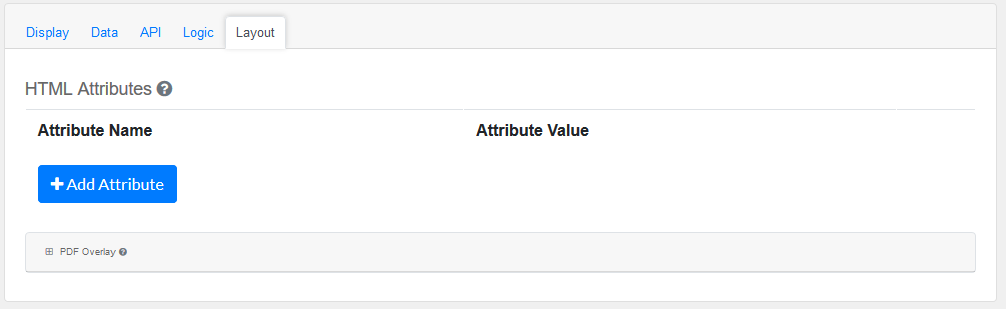
This section provides a map of HTML attributes for a component's input element.
Note: Attributes provided by other component settings or other attributes generated by form.io take precedence over attributes in this grid.
Click on Add Attributes to add an Attribute Name and Attribute Value.
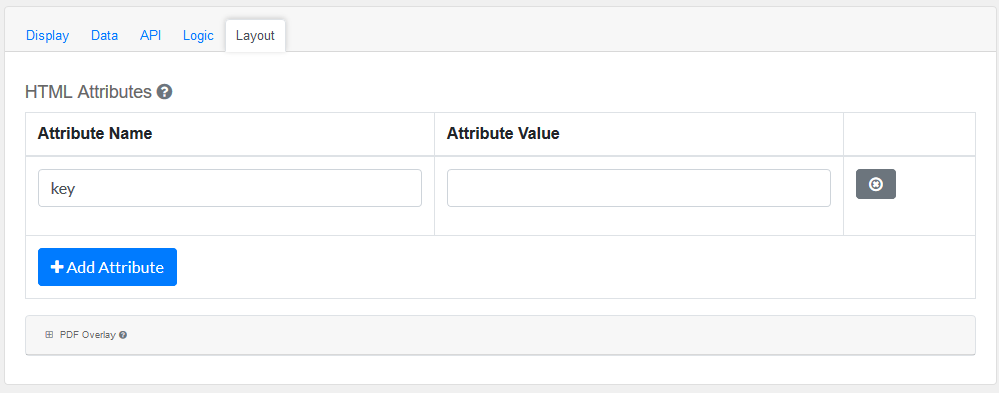
PDF Overlay, is exclusively for PDF Forms only.
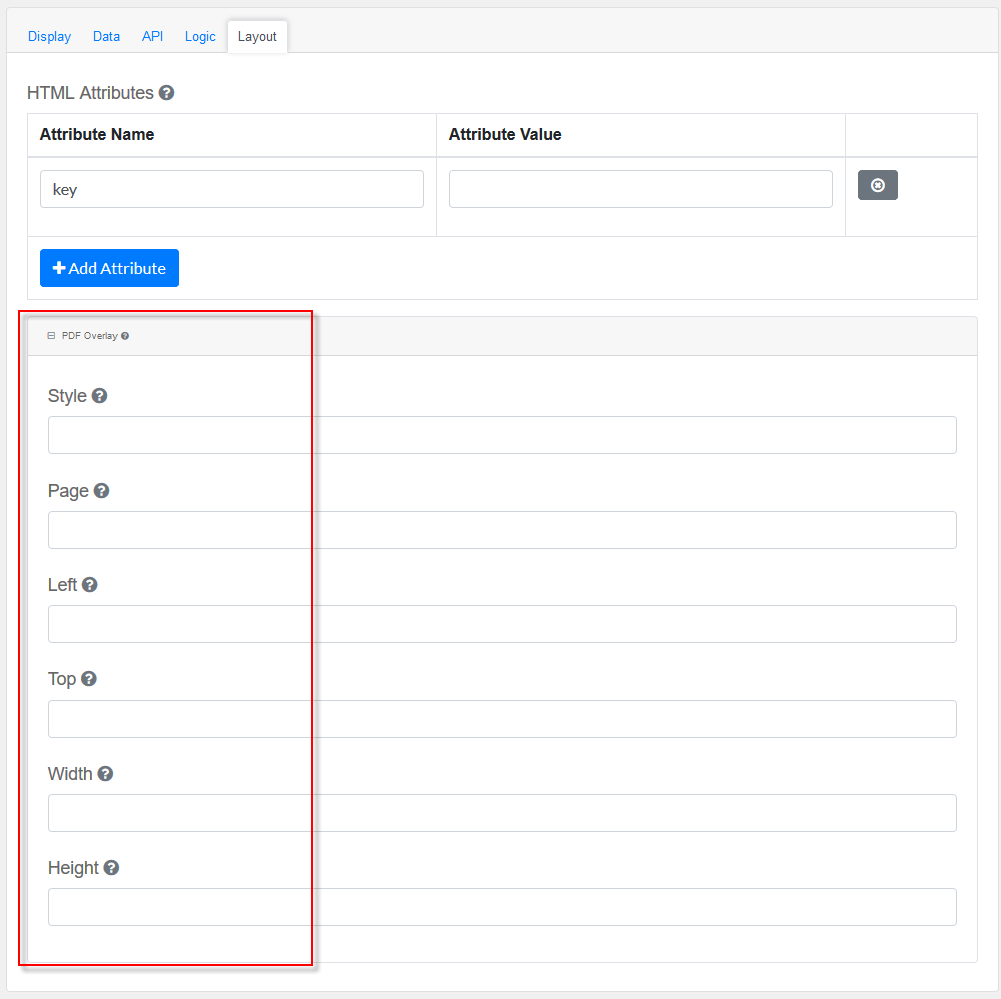
Style: Custom styles applied to this component when rendered in PDF.
Page: The PDF page to place this component.
Left: The left margin within a page to place this component.
Top: The top margin within a page to place this component.
Width: The width of the component (in pixels).
Height: The height of the component (in pixels).
|