|
<< Click to Display Table of Contents >> Groups - Export a Group |
  
|
|
<< Click to Display Table of Contents >> Groups - Export a Group |
|
There are two ways to export group details to an external file:
•Click  icon in the 'Action' column of the 'Summary' table in the Group Summary screen.
|
OR
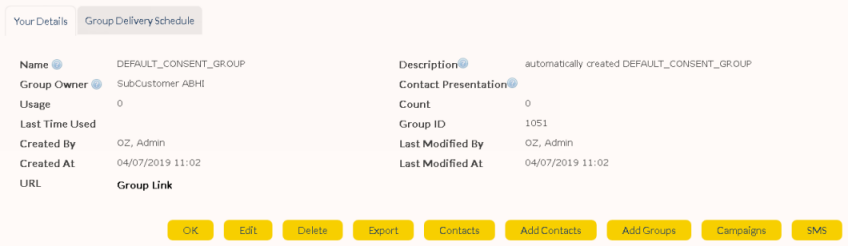
Click on the desired group name in the Group Summary to display its 'Group Details' screen.
•Click  button on the 'Group Details' screen for the desired group.
|
|
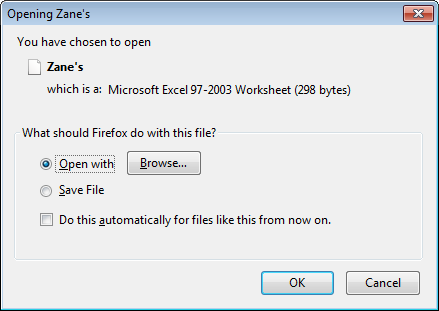
A window will appear prompting you to open or save the file (note: Export functionality is not available as standard. Please contact your Account Executive if you would like to enable this functionality). Click 'OK' to confirm.
|