Drag and drop the Data Grid Field element into the Mobile Editor, to open up the Data Grid form.
Click the topics to expand
Display Tab
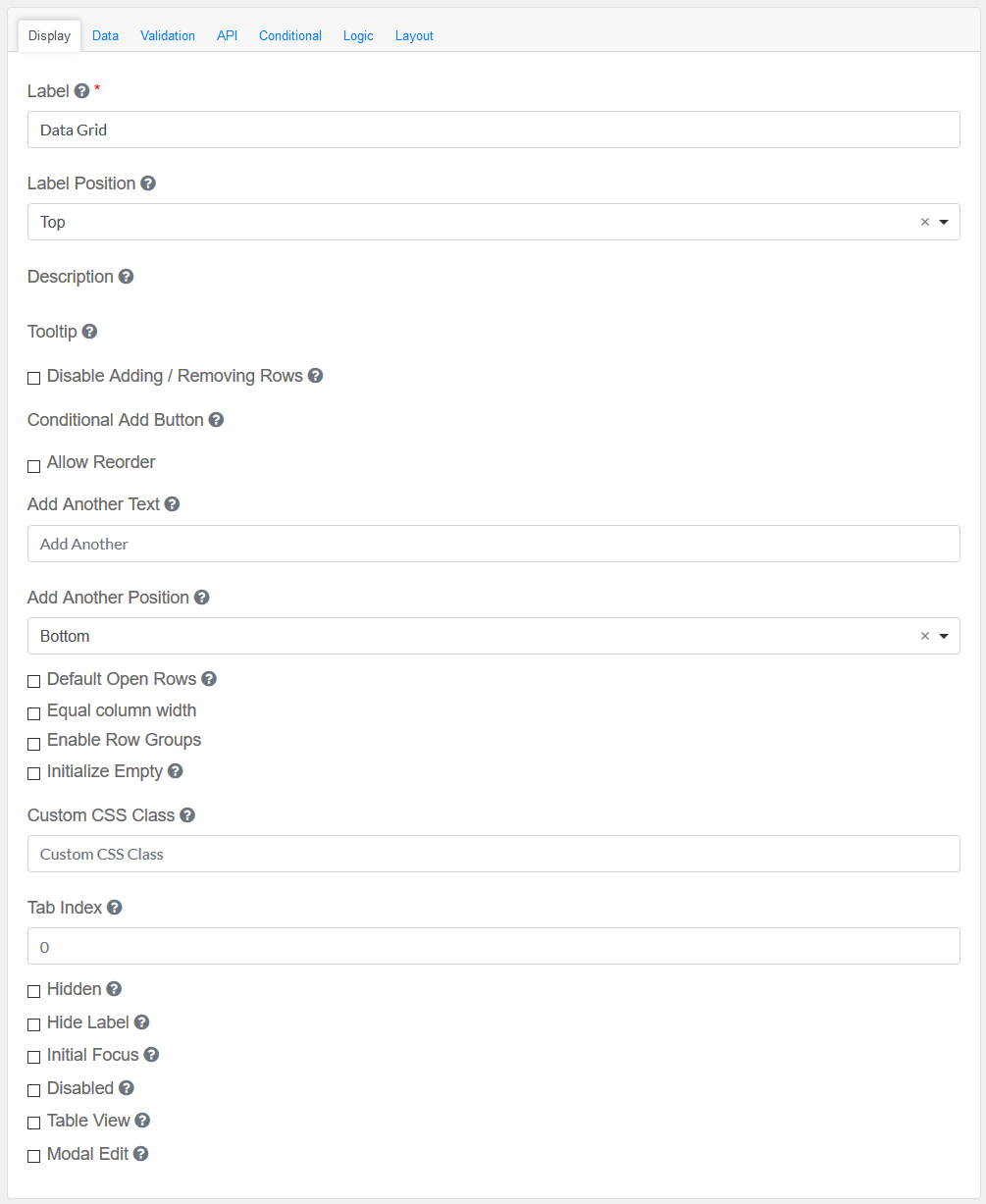
Label
|
Title of the Text Field
|
Label Position
|
Decide where the label is positioned in the Text field
|
Description
|
Description of the Text Field
|
Tooltip
|
Adds a Tooltip to this field
|
Disable Adding / Removing Rows
|
Check if you want to hide Add Another button and Remove Row button
|
Conditional Add Button
|
Specify condition when Add Button should be displayed
|
Allow Reorder
|
Allow a re-order of grid
|
Add Another Text
|
Set the text of the Add Another button.
|
Add Another Position
|
Position for Add Another button with respect to Data Grid Array.
|
Default Open Rows
|
Check this if you would like for the rows of the edit grid to be defaulted to opened if values exist.
|
Equal column width
|
Specify an equal column width
|
Enable Row Groups
|
Specify an equal column width
|
Initialize Empty
|
The DataGrid will have no visible rows when initialized.
|
Custom CSS Class
|
Add a custom CSS class
|
Tab Index
|
Sets the tabindex attribute of this component to override the tab order of the form. See the MDN documentation on tabindex for more information.
|
Check-Box Options
|
Hidden : Add hidden components within the Text Field
Hide label: Hides the label of the Text Field Element
Initial Focus : Make this field the initially focused element on this Interactive Message form.
Disabled : Disable this Text field
Table View : Shows this value within the table view of the submissions.
Modal Edit : Opens up a modal to edit the value of this component.
|
|
Data Tab
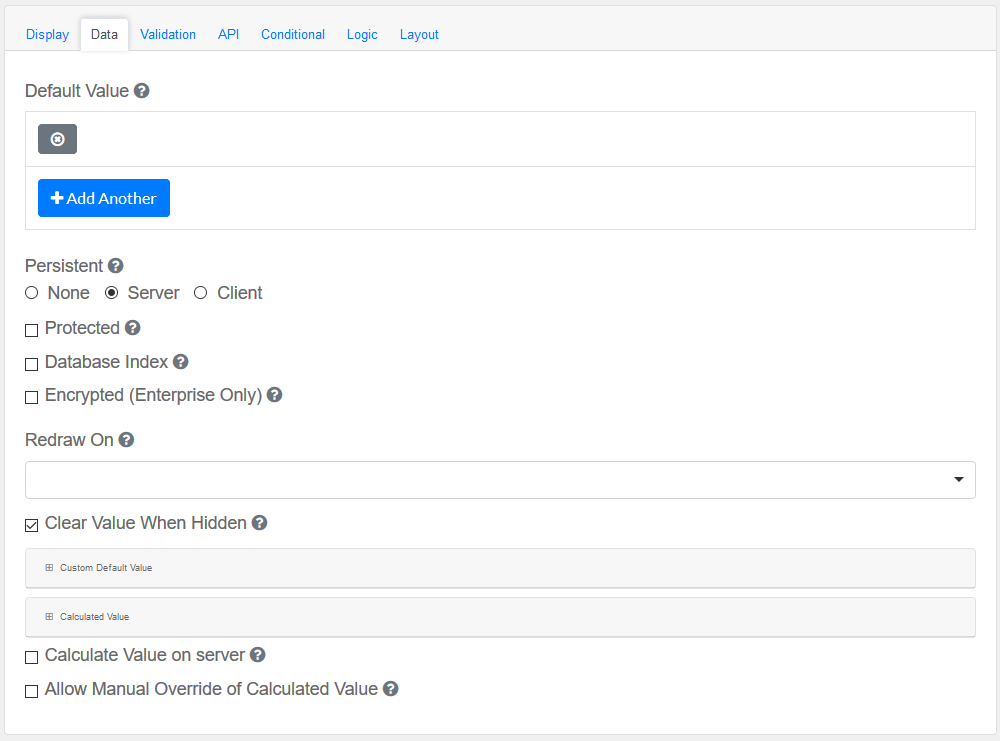
Configure the date and its properties.
Default Value
|
The will be the value for this field, before user interaction. Having a default value will override the placeholder text.
|
Persistent
|
A persistent field will be stored in database when the form is submitted.
|
Protected
|
A protected field will not be returned when queried via API.
|
Database Index
|
Set this field as an index within the database. Increases performance for submission queries.
|
Encrypted (Enterprise Only)
|
Encrypt this field on the server. This is two way encryption which is not suitable for passwords. Only valid for Enterprise MEMS Users.
|
Redraw On
|
Redraw this component if another component changes. This is useful if interpolating parts of the component like the label.
|
Clear Value When Hidden
|
When a field is hidden, clear the value.
|
Custom Default Value and Calculated Value
|
A set of variables available in all scripts.
|
Calculate Value On Server
|
Checking this will run a calculation on the server. This is useful when there is a need to override the values submitted with the calculations performed on the server.
|
|
Validation
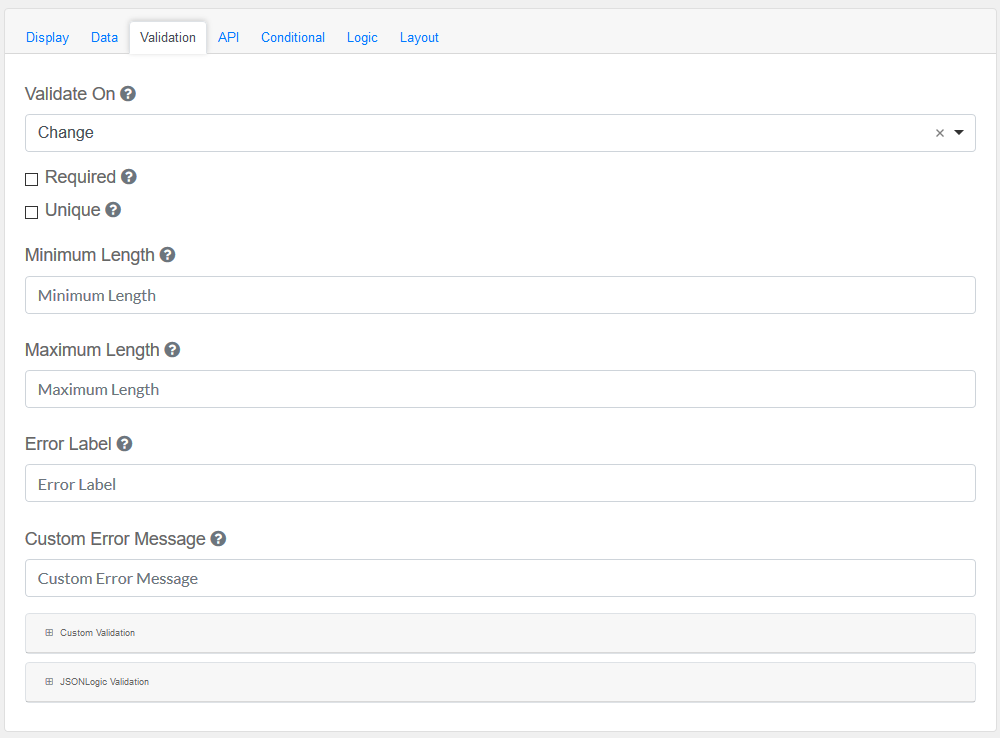
Validate the data within the Data Grid Field
Validate On
|
Determines when this component should trigger front-end validation.
|
Required
|
A required field must be filled in before the form can be submitted.
|
Unique
|
Makes sure the data submitted for this field is unique, and has not been submitted before.
|
Minimum Length
|
The minimum length requirement this field must meet.
|
Maximum Length
|
The maximum length requirement this field must meet.
|
Error Label
|
The label for this field when an error occurs.
|
Customer Error Message
|
Error message displayed if any error occurred.
|
Custom validation and JSONLogic Validation
|
The following variables are available in all scripts.
|
|
API
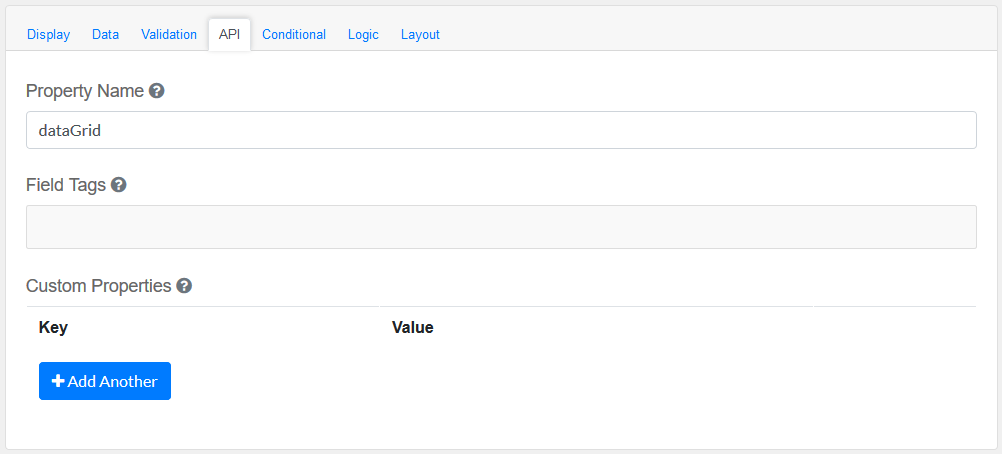
Elements to be included for the API part of the message.
Property Name
|
The name of this field in the API endpoint.
|
Field Tags
|
Tag the field for use in custom logic.
|
Custom properties
|
Users configure any custom properties for this component. Use Add Another button to add more than one key.
|
|
Conditional
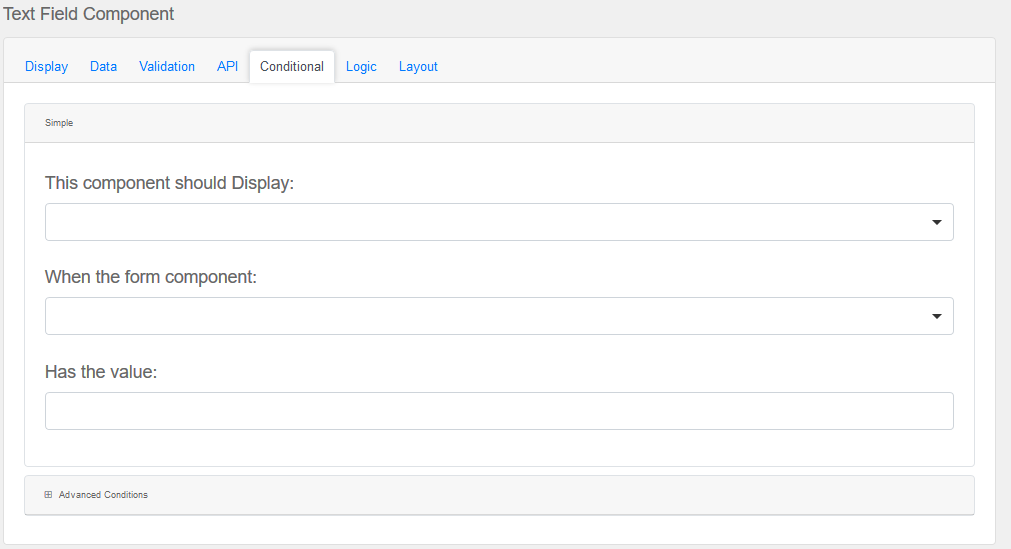
Simple
|
This component should display
|
Choose True or False
|
When the form component
|
Choose Submit
|
Has the value
|
Add a valid Value
|
Advanced Conditions
|
The following variables are available in all scripts.
|
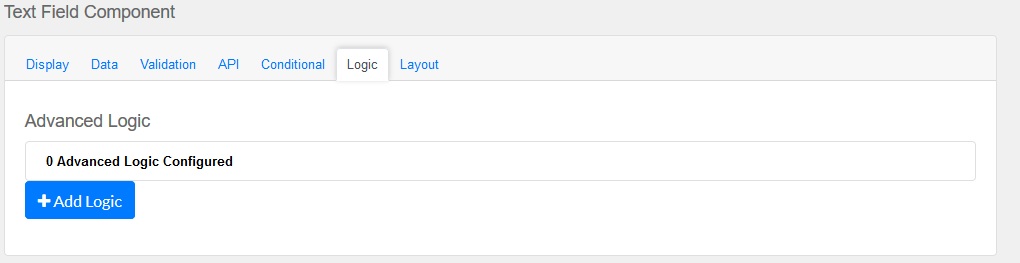
Logic
|
Add certain logical information to the Message.
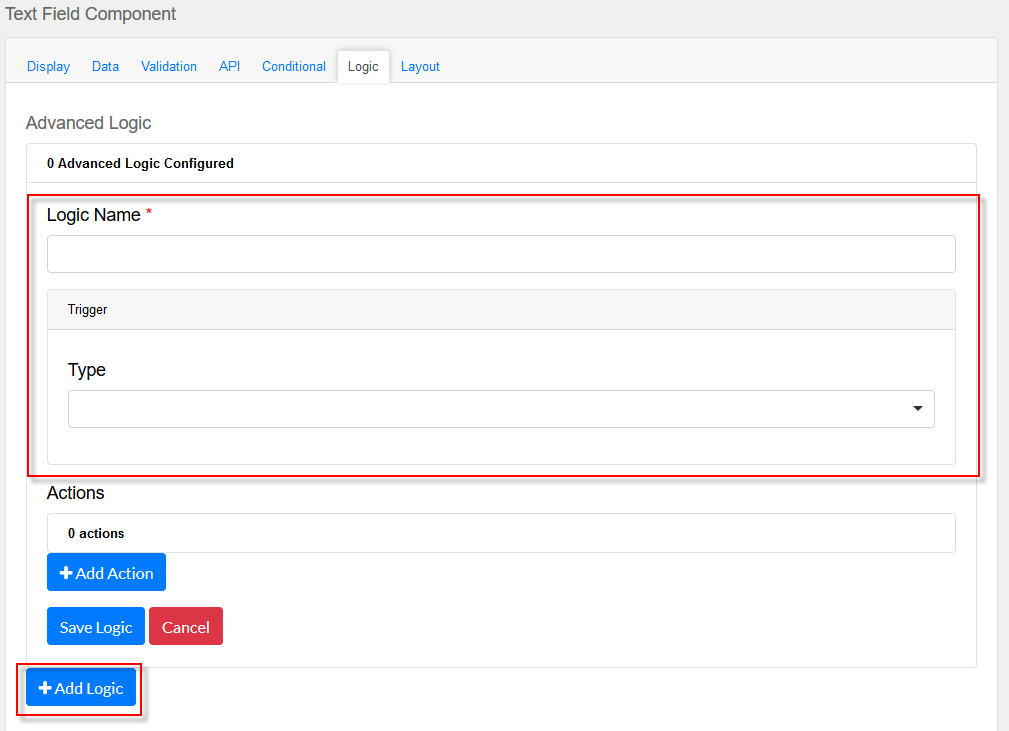
Start by choosing the Add Logic button.
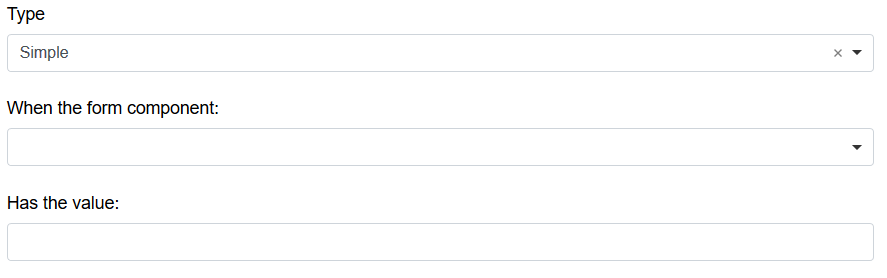
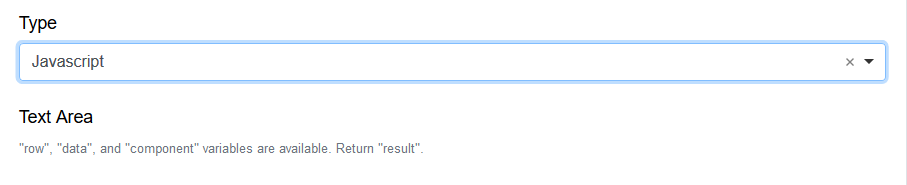
Enter a Logic name, and choose a type namely :
Simple
|
|
Javascript
|
|
JSON Logic
|
|
Event
|
|
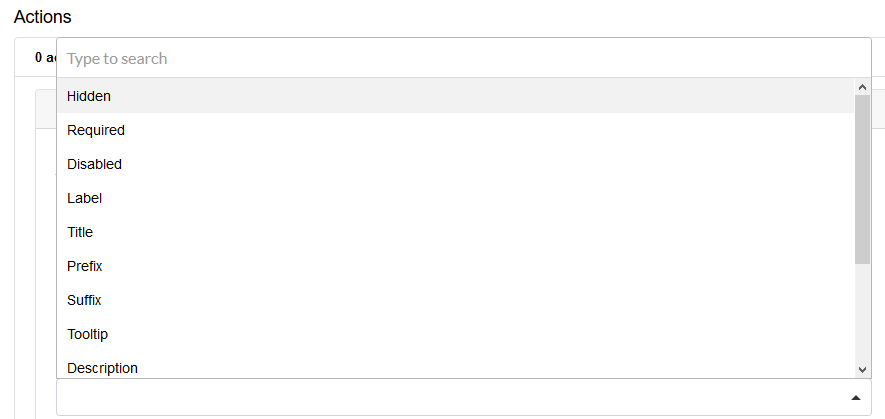
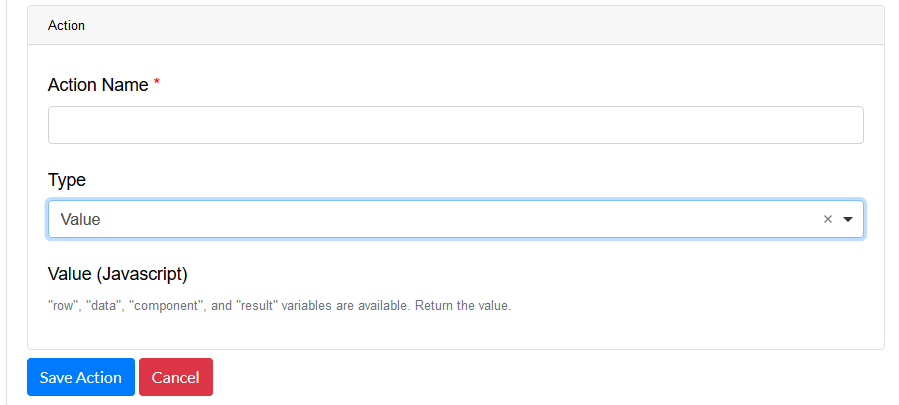
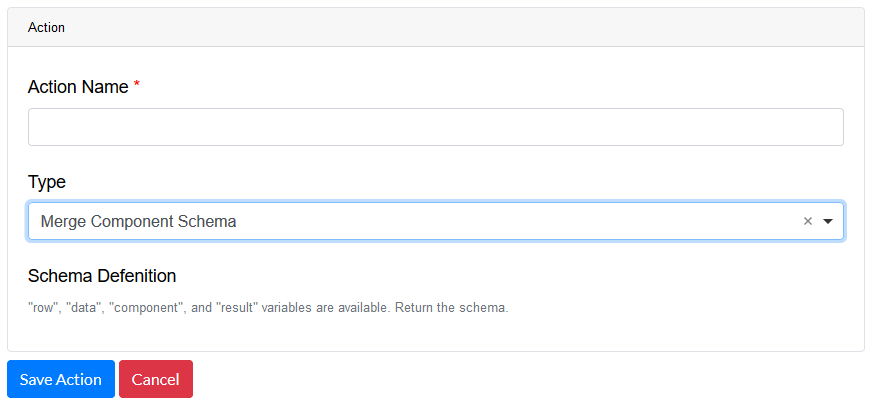
Next, add an Action.
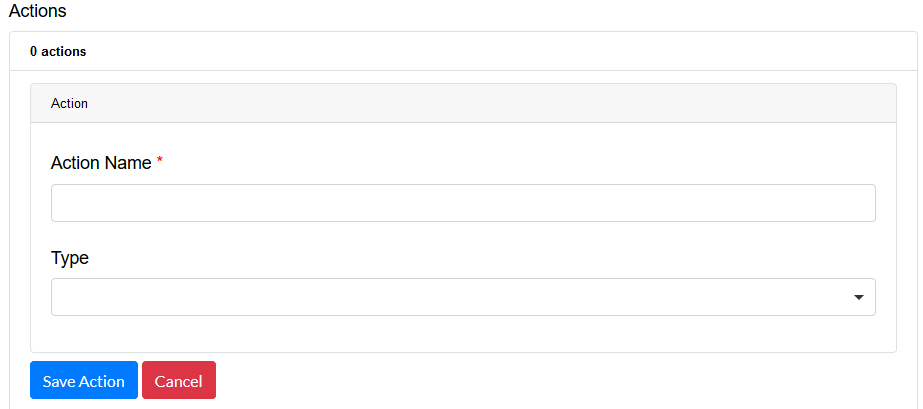
Enter an Action Name and choose a Type.
Property
Choose a a property type
|
|
Value
Choose type Value to use an appropriate Java Script
|
|
Merge Component Schema
|
|
|
Layout
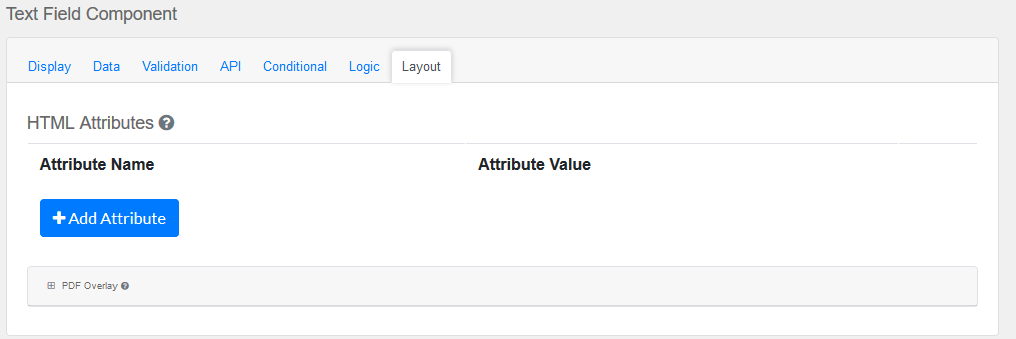
This section provides a map of HTML attributes for a component's input element.
Note: Attributes provided by other component settings or other attributes generated by form.io take precedence over attributes in this grid.
Click on Add Attributes to add an Attribute Name and Attribute Value.
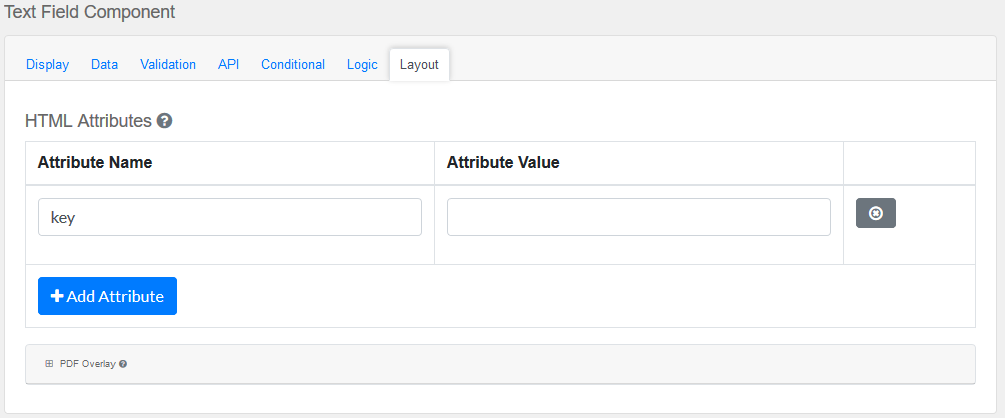
PDF Overlay, is exclusively for PDF Forms only.
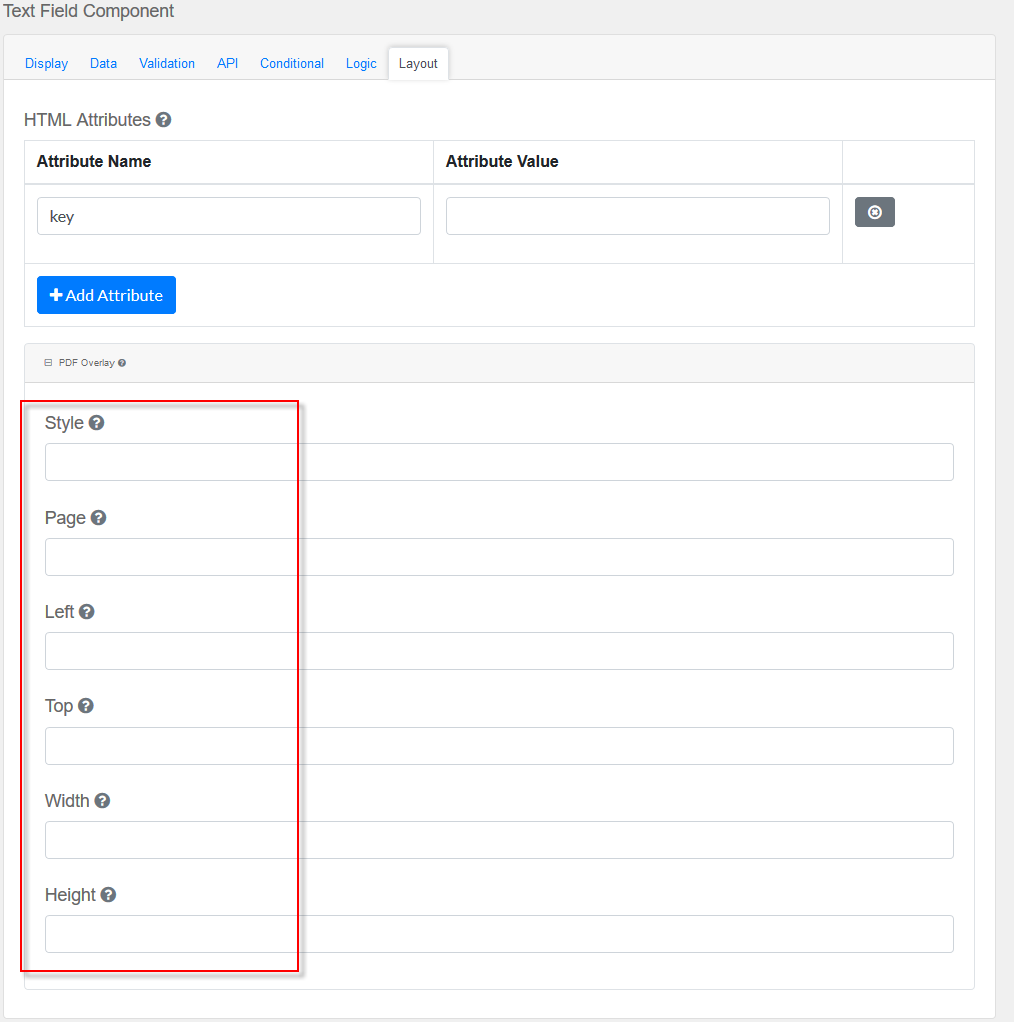
Style: Custom styles applied to this component when rendered in PDF.
Page: The PDF page to place this component.
Left: The left margin within a page to place this component.
Top: The top margin within a page to place this component.
Width: The width of the component (in pixels).
Height: The height of the component (in pixels).
|