|
<< Click to Display Table of Contents >> Change Email Address |
  
|
|
<< Click to Display Table of Contents >> Change Email Address |
|
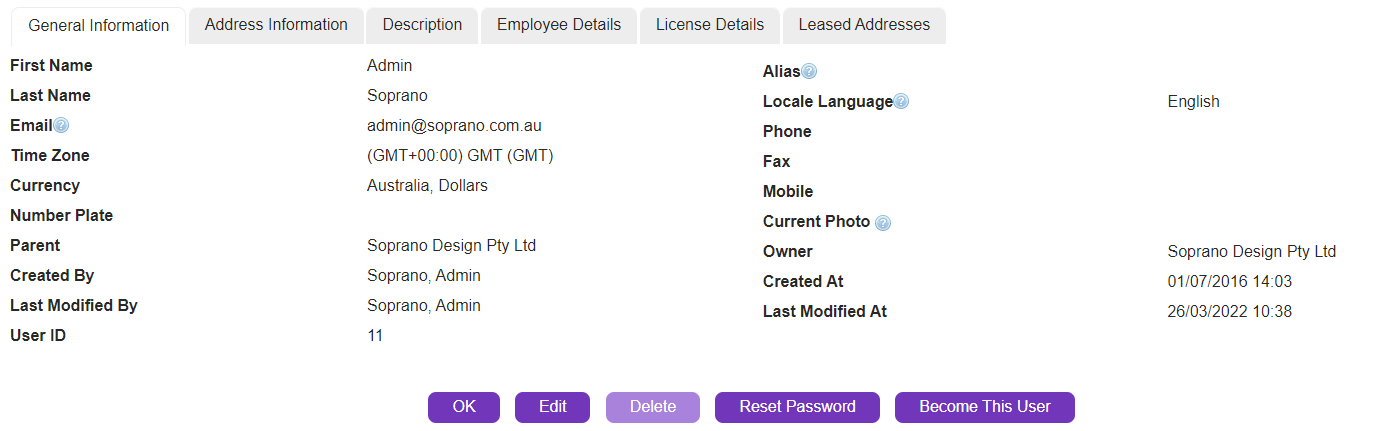
If you would like to change the Email address of an account go to:
•Setup > Personal Information > Personal Information > Edit
|
Change the Email address, and click 'Save'.
|
Note: When you change your email address, you are changing the associated Username for that account. |