|
<< Click to Display Table of Contents >> Advanced Emailer - Create a New Asset |
  
|
|
<< Click to Display Table of Contents >> Advanced Emailer - Create a New Asset |
|
Users can create a new asset by clicking on the  button on the top right of the page.
Following the steps highlighted in the video above, will help Users create custom assets within Advanced Emailer.
Clicking on the Assets menu to the left again will bring up the list of Assets created so far.

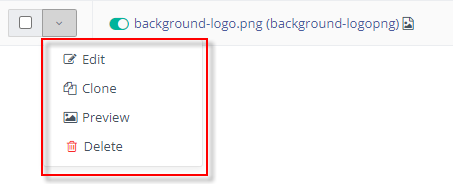
Users can perform some basic actions to the assets created like clone, edit or delete.