|
<< Click to Display Table of Contents >> Customer Information - Addresses |
  
|
|
<< Click to Display Table of Contents >> Customer Information - Addresses |
|
Overview
The following information applies to Customer Administrators only and describes limited 'Addresses' functionality. Click here to view full information for Platform Administrators.
Search and view the mobile numbers and/or short codes which have been provisioned for the current parent customer.
|
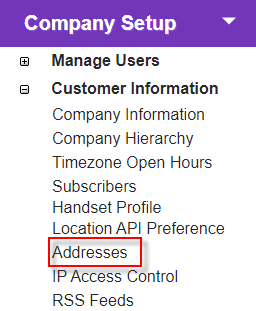
Click the 'Addresses' link in 'Company Setup > Customer Information' to open the 'Address Summary' screen.
Search and view address information here. |
Description
Search Options
|
Select the lessee of the number you wish to search for and any other criteria.
|
Start searching using the selected filters.
|
Summary
|